
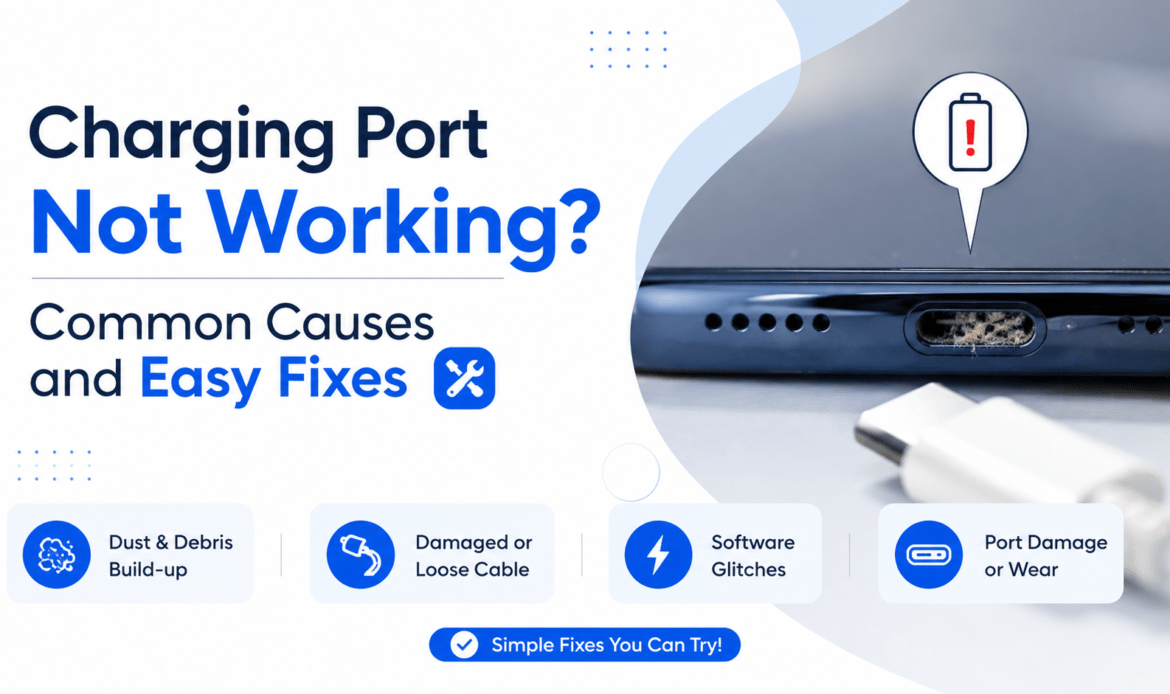
Charging Port Not Working? Common Causes and Easy Fixes
You plug your phone in, wait for that little charging icon, and nothing happens. Or maybe it only charges when you hold the cable at a strange angle and pray. A charging port on a phone not working is one of the most common faults we see, and here is the part nobody tells you: most of the time, it isn’t actually the port. Before you book a professional charging port repair in Vancouver, it is worth running a few quick checks first, because the real fix is often free and takes under a minute.
That matters more now than it used to. Phones have shifted to USB-C, people charge several times a day, and the port takes more plugging and unplugging than any other part of the device. More use means more wear, more lint, and more false alarms.
Why is my charger not working? Start with the cable and plug
The most common cause of charging trouble is not the phone at all. It is the cable or the adapter. Cables get bent, stepped on, and yanked out of the wall by the cord, and the thin wires inside break long before the outside looks damaged.
So before you blame the phone, run what we call the Cheapest Fix First check. The idea is simple: rule out the free, easy causes before you assume the worst and most expensive one. Work through them in this order, cable to port, cheap to costly.
Start by swapping the cable for a different one you know works. Then swap the wall adapter. Then try a completely different outlet. If your phone suddenly charges with a new cable, you just solved the whole problem for the price of a cable. Across the repairs we see, a surprising number of “dead port” cases walk back out the door because the cable was the culprit.
One quiet warning: cheap, uncertified cables are a false economy. They often charge slowly, cut out, or stop working within weeks, and a bad cable can stress the port over time. Buy a certified cable and you remove the most common variable in one move.
Is the port actually dirty?
If a fresh cable still won’t charge, the next suspect is debris. Your charging port spends its life in a pocket or a bag, and lint, dust, and pocket fluff pack into it like felt. That buildup blocks the cable from making full contact, which is exactly why a phone will charge at one angle but not another.
Most dead ports aren’t dead. They’re just dirty.
Here is the safe way to clean one. Turn the phone off. Grab a wooden or plastic toothpick, never anything metal. Gently scrape the lint out of the port and tip the phone so it falls free. A short burst of compressed air helps too. Apple’s own guidance on what to do when an iPhone won’t charge says the same thing: clear the debris, then plug in firmly and let it charge for half an hour.
What does not work, and what we see far too often: cleaning the port with a pin, a needle, or a paperclip. Metal bends the tiny pins inside and turns a free fix into a real repair. If your cable feels loose now, a metal poke is how it stops charging entirely.
Why isn’t my charger charging my phone if everything looks fine?
If a known-good cable, a clean port, and a different outlet still get you nowhere, the fault has moved inside the phone, and software is the next thing to rule out. A glitch in the operating system can interrupt charging even when every piece of hardware is healthy.
The fix is almost embarrassingly simple. Restart the phone, or force restart it if it won’t respond, and make sure it is running the latest software update. This clears temporary errors that can quietly block the charge. In a fair share of cases, a phone that “won’t charge” just needed a reboot.
Here is the catch people miss: sometimes the port is fine and the battery is the real problem. A worn-out battery that no longer holds a charge can look exactly like a charging fault. The phone seems to charge but the percentage barely climbs, or it drains the moment you unplug. When that is the pattern, you are likely looking at a battery replacement, not a port issue at all.
Signs of a damaged port
A genuinely damaged port usually announces itself for weeks before it quits. The cable feels wobbly or won’t click in. You have to wiggle it to start a charge. You can see bent or pushed-in pins when you shine a light inside. These are physical clues that no cleaning will fix.
When a port truly fails, the most common cause we see is a drop. A hard fall can bend the pins or crack the connector, and the same impact often damages more than the port. Phones that come in after a drop frequently need a screen replacement at the same time, since one fall rarely picks just one victim.
Water is the other big one. Moisture in the port causes corrosion that stops the charge and can trigger a “liquid detected” alert. If your phone got wet, dry it out in open air for several hours before charging. And because liquid that reaches the charging port usually reaches nearby parts too, a soaked phone often needs speaker or microphone repair alongside the port, since they sit close together at the bottom of the device.
How to repair a charging port
When the DIY checks are exhausted, the honest answer to how to repair a charging port is that it becomes a job for a technician. A failed port has to be desoldered from the board and a new one fitted, which calls for the right tools and a steady hand. It is not a kitchen-table fix, and forcing it usually does more harm than good.
This is also where a local shop beats the obvious route. Many manufacturers won’t repair a damaged port at all, they replace the whole phone, which can cost hundreds. A good independent shop can often replace just the port for a fraction of that. At our Main Street workshop, most charging port repairs are done within the hour, with same-day service and a warranty on the work.
Conclusion
A charging port not working feels like a disaster, but it rarely is one. Run the Cheapest Fix First check, swap the cable, clean the port the safe way, restart the phone, and you will solve most cases yourself for nothing. If the cable wobbles, the pins look bent, or the phone took a drop or a splash, that is your signal it is a hardware fault and not a five-minute fix.
When you hit that point, skip the guesswork. The team at the iFix repair centre can diagnose the real cause, tell you whether it is the port, the battery, or something else, and get your phone charging again the same day.