
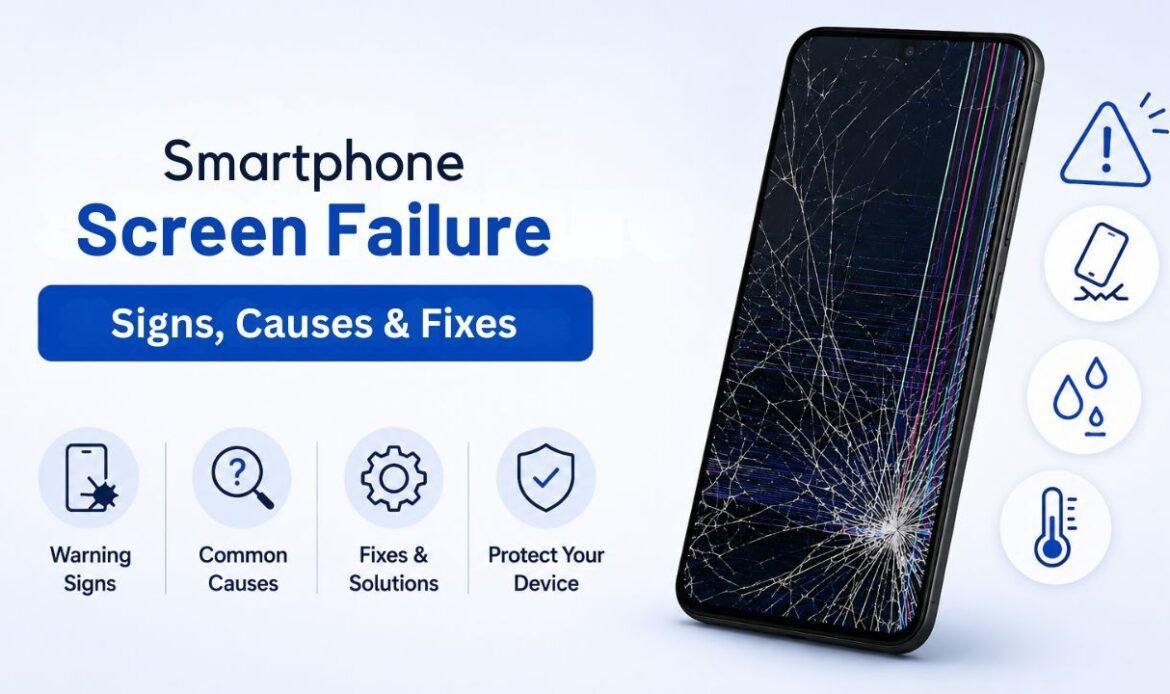
Smartphone Screen Failure Warning Signs, Common Causes & Fixes
A hairline crack in the corner of your screen looks harmless, so you keep using the phone. A week later there is a black blob where the crack used to be, one part of the screen stops responding to your finger, and a quick fix has turned into a full screen replacement. That is how most phone screen damage goes. It starts small and quiet, then it spreads. The good news is that screens almost always warn you before they fail. If you can read the early signs of phone screen damage, you can act while the repair is still cheap and simple. Getting professional phone repair in Vancouver early often saves both money and data.
This guide walks through the warning signs, the common causes, and the fixes, in plain language.
Your Screen Is Three Layers, Not One
Most people treat a screen as one sheet of glass. It is not. A modern phone screen is three thin layers stacked together: the glass on top that you touch, the display underneath that creates the picture, and the touch layer (also called the digitiser) that reads your finger. This is the heart of the Three-Layer Screen Check. When something goes wrong, ask one question first: which layer is acting up, glass, display, or touch? The answer tells you how serious the problem is and what the fix will cost. A chip in the glass is cosmetic. A failing display or touch layer is not.
Signs of Phone Screen Damage to Watch For
Most signs of phone screen damage fall into one of those three layers. Here is what each looks like:
1. Cracks and chips: the glass layer
Visible cracks, chips, and rough edges are glass-layer damage. You might see a spider-web pattern, a single line across the screen, or a corner that snags your finger or your screen protector. If the picture is still clear and touch still works everywhere, this is the least urgent kind of damage. But it is not safe to leave. An open crack lets dust and water reach the layers below, and small cracks tend to grow every time you grip the phone.
2. Spots, lines, and flicker: the display layer
Black spots, bright or coloured lines, blotches of colour, a dim screen, or flickering all point to display-layer damage. These are the smartphone screen problems people notice second, after the crack. A spreading black or purple blob usually means the display panel is bleeding, and it will keep growing. Flickering or dim patches often come from a failing backlight or a loose cable inside. Dead pixels show up as tiny dots that never change colour. None of these fix themselves.
3. Ghost touch and dead zones: the touch layer
If your phone taps, types, or opens apps on its own, or stops responding in certain spots, the touch layer is failing. The self-tapping problem is called ghost touch. A delayed response, a strip down one side that ignores your finger, or random inputs all sit in this layer. Touch faults are the worst to live with, because they can make a phone almost unusable even when the picture still looks perfect.
The crack you can see is rarely the whole story.
What Causes Smartphone Screen Problems
Drops are the obvious cause, but they are not the only one. Knowing the cause helps you stop the next one.
- Pressure and bending: Sitting on the phone or carrying it in a tight back pocket creates tiny fractures that spread over time.
- Heat: Hot cars and long spells in direct sun can warp parts and harm the display.
- Water through cracks: Once the glass is cracked, the seal is gone. Apple itself notes that water resistance is not a permanent condition and fades with normal wear, and that liquid damage is not covered by warranty. Water that reaches the display or touch layer causes spots and ghost touch.
- A swollen battery: A battery that puffs up pushes the screen from behind and can lift or crack it from the inside. If your screen is bulging or lifting at the edges, stop charging and get the battery replacement checked right away, as a swollen battery is also a safety risk.
- Cheap chargers and cables: Low-quality power can surge and harm the parts that drive the display.
- Manufacturing defects: Rare, but lines or dead pixels can appear straight out of the box.
There is also a quieter cause people miss: software. Not every screen fault is physical. A glitchy update or a bad app can freeze the display or cause phantom taps that look exactly like hardware damage.
How to Know If It’s the Screen or Just Software
Before you pay for any repair, rule out software first. This is the step most people skip, and it is the cheapest one. Run these quick checks:
- Restart the phone: If the problem clears after a reboot, it was software, not the screen.
- Boot into safe mode: This loads the phone without your apps. If ghost touch or freezing stops in safe mode, an app is the cause.
- Remove the screen protector: A cracked or cheap protector causes false touch problems all the time. Take it off and test again.
If the fault survives a restart, safe mode, and a protector swap, it is almost certainly the screen and not the software. When you are not sure, a shop that handles software issues and data recovery can test both in a few minutes and tell you which one it is, so you do not pay for a screen you did not need.
Fixes: What You Can Do and What Needs a Pro
You can handle the small stuff yourself. The layers under the glass need a professional.
- What you can do yourself: Clean the screen gently. Put a tempered-glass protector over a light surface scratch to stop it spreading and to keep loose glass from cutting your finger. Run the restart and safe-mode tests above. And back up your photos and files now, before any repair, so nothing is lost if the screen has to come off.
- What needs a pro: Any display-layer or touch-layer failure. Black spots, lines, flicker, and ghost touch almost always mean the whole screen assembly has to be replaced, because the glass, display, and touch are fused into a single part. DIY kits exist, but it is easy to tear a thin cable or crack the new panel, and a botched job can cost more than the original repair. A proper screen replacement swaps the full assembly and then tests touch, colour, and the sensors before you get the phone back.
- When to replace the whole phone: If the device is old and a new screen costs close to what a newer used model would, repair is not always the smart call. Weigh the screen price against the value of the phone.
The simplest rule: watch the layer beneath the crack. If the picture or the touch starts to change, that is your window to fix it cheaply, before a small crack becomes a dead screen.
Conclusion
Phone screens rarely fail all at once. They warn you first, with a small crack, then a spot or a line, then a patch of touch that stops working. Once you learn to read the three layers, glass, display, and touch, you can catch the damage early, while the repair is still simple and affordable. Start with the free checks: restart the phone, try safe mode, and take off the screen protector to rule out software. If the problem stays, the screen itself needs work. When you want a clear answer on what is actually wrong, a local iFix repair centre can run a free diagnostic and show you which layer failed, so you only pay for what your phone truly needs.