
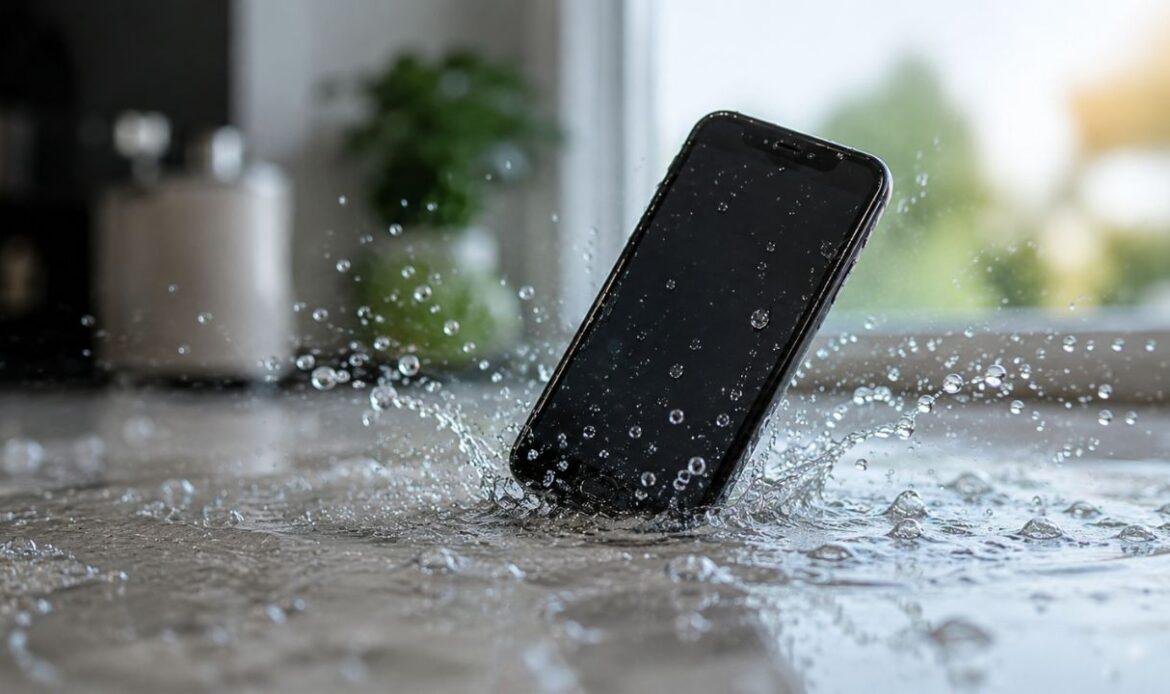
Steps to Take After Accidentally Dropping Your Phone in Water
Your phone slips out of your hand and lands in the sink, the toilet, or the pool. For a second you just stare at it, hoping it’s fine, before the panic sets in and you start picturing a trip in for water damage repair.
What you do in the next five minutes matters more than anything you do after. When you drop your phone in water, the real damage usually happens quietly, inside the phone, over the hours that follow, not the moment it goes in.
Most people reach for the wrong fix first. They grab a bag of rice, or they try turning the phone on “just to check if it’s fine.” Both of those moves can make things worse. This guide walks you through what actually helps, based on what phone makers and repair technicians recommend, not the advice that gets passed around at family dinners.
What Actually Happens When Your Phone Gets Wet
A dropped phone rarely fails on the spot. It’s the minutes and hours after that decide whether the phone survives or not.
Phones have rubber seals around the ports and buttons, but those seals wear down over time and aren’t built for long periods in water. Once water gets past the seal, it settles around the battery or circuit board and starts corrosion, a slow reaction that eats away at the tiny metal parts inside. That’s why a phone can turn on right after a drop and then stop working a day later for no clear reason.
The charging port is usually the first place trouble shows up, since it’s the most exposed opening on the whole device. A phone that charges slowly, won’t charge at all, or only connects at a certain angle after a water incident may need more than time to dry out. It often needs a proper charging port repair.
Immediate Steps After Your Phone Gets Wet
The first few minutes decide a lot. If your phone just went into water, work through these steps in order, and do them quickly rather than perfectly:
- Take the phone out of the water right away and turn it off completely. Don’t just lock the screen, hold the power button and shut it down properly.
- Remove the case, the SIM tray, and any plugged-in accessories so trapped water has somewhere to escape.
- Wipe the outside dry with a soft cloth, then gently tap and shake the phone to push water out of the charging port and speaker holes.
- Avoid pressing buttons more than you need to. Extra button presses can push water further inside the device.
- Set the phone somewhere dry and open to air, ideally propped up at a slight angle so any trapped water can drain out.
These steps buy you time, but they don’t undo damage that’s already started. Doing them well is what decides whether the next step is a quick dry-out or a proper water damage repair.
Common Mistakes That Make Phone Water Damage Worse
Most of the damage doesn’t come from the water itself. It comes from what people do in the hours right after. Here are the habits that make things worse instead of better:
- Don’t charge it or plug in a cable until you’re sure it’s fully dry. Charging a wet phone risks a short circuit that can damage the battery.
- Don’t keep switching it on to check if it works. Each time you power it on, electricity runs through parts that may still be wet, and that’s exactly what speeds up corrosion.
Keep an eye on the battery in the days that follow. Swelling, fast draining, or unusual warmth are signs the battery itself took damage. At that point, a battery replacement is a far cheaper fix than waiting for a damaged battery to cause bigger problems.
How to Tell If the Damage Is Serious
Most phones have a small liquid contact indicator, usually white or silver, hidden inside the SIM tray slot or under the battery. If it’s turned red or pink, the phone has been exposed to moisture. That matters because both Apple and most manufacturers exclude liquid damage from standard warranty coverage, even if the phone still works.
Saltwater causes damage faster than plain tap water, since salt conducts electricity more easily and speeds up corrosion. If your phone went into the ocean or a pool rather than clean water, treat it as more urgent, not less.
Watch for warning signs over the next day or two: a speaker that sounds muffled, a camera lens that looks foggy from the inside, or a screen with faint discoloration or dead patches. A screen that looks fine one day and shows lines or dark spots the next usually points to moisture trapped under the display. That’s a screen replacement issue, not something that clears up on its own.
When It’s Time to Get Professional Help
If the phone won’t turn back on after a full day of drying, or it turns on but behaves oddly, that’s the point to stop troubleshooting on your own. This is usually where a simple dry-out turns into a proper water damage phone fix.
The standard advice online is to just keep waiting for the phone to dry out on its own, which only works for light splashes. Once a phone has been fully submerged, waiting alone won’t remove moisture already settled around the connectors, and corrosion doesn’t pause while you wait. What actually helps is having the board professionally cleaned, usually with a deep-clean process that removes residue a cloth or rice bag can’t reach.
If the phone won’t power on at all, your bigger concern at that point isn’t the phone itself, it’s whatever is on it: photos, messages, contacts. A technician can often pull that information off the internal storage through software issues and data recovery work, even when the phone itself can’t be revived. A dead screen doesn’t always mean the data is gone too.
Practical Ways to Keep Your Phone Safe From Water Damage
A water resistance rating like IP68 sounds reassuring, but it’s tested under lab conditions, not real life. Pool water, hot tubs, and saltwater fall outside that test, and the seals that keep water out wear down after drops or a couple of years of daily use.
The simplest protection is often the cheapest one. A few small habits go a long way toward keeping your phone dry:
- Use a basic waterproof case for beach days, boat trips, or anywhere near a pool. It costs far less than a repair.
- Keep your phone out of your back pocket near pools, toilets, and open water.
- Set it down somewhere safe instead of holding it while doing dishes or cooking.
- Get the seals checked after a bad drop, since a cracked case or worn seal lets water in even on a “water resistant” phone.
These small habits prevent most of the accidents that send people searching for phone repair after water damage in the first place.
Conclusion
Dropping your phone in water isn’t the end of the story, but what you do in the first hour decides how the story ends. Turn it off, dry it properly, and resist the urge to keep checking if it works.
If anything still seems off after a full day of drying, that’s your signal to stop guessing. The team at iFix Repair Centre is a straightforward place to start if you’d rather have someone check it properly than keep gambling on it. Most water damage is recoverable when it’s caught early. It’s the waiting and the wrong fixes that turn a fixable problem into a replaced phone.