
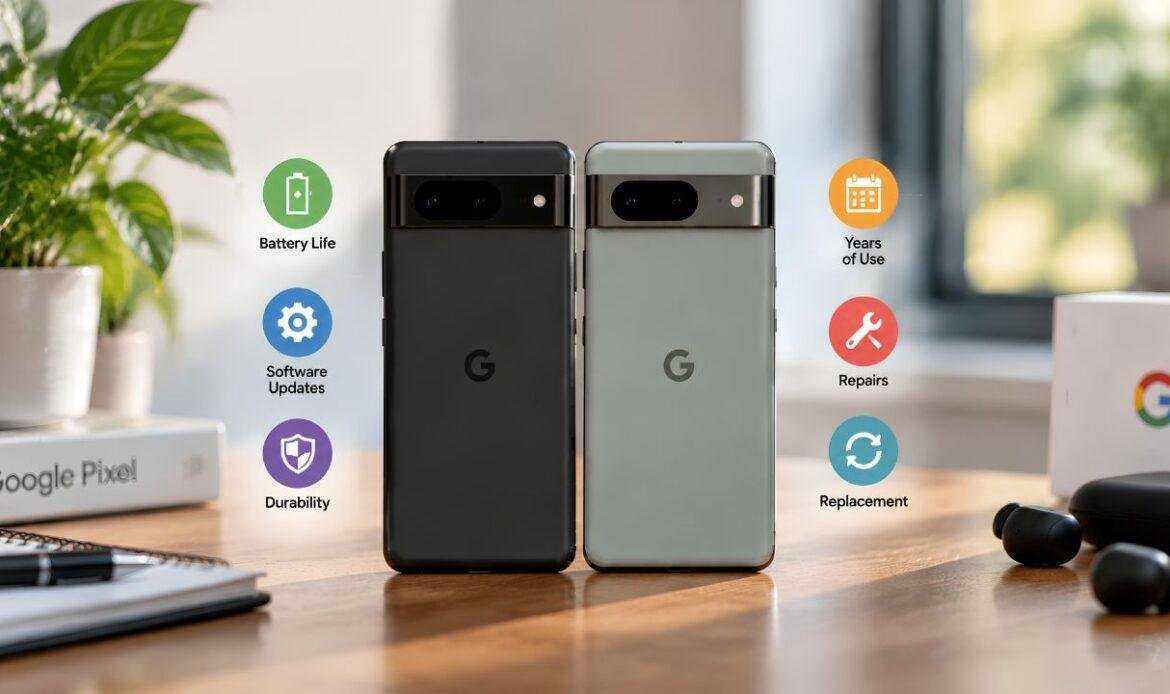
How Long Does a Google Pixel Phone Last? A Complete Guide
A Google Pixel phone typically lasts 3 to 5 years before it starts feeling outdated or hardware wear becomes hard to ignore. Where a specific device falls on that range depends on three factors: how long Google keeps sending software updates, how well the battery holds up over time, and how carefully the phone is handled day to day. When something does go wrong along the way, a straightforward Google Pixel repair can often add years back onto a phone’s usable life rather than forcing an early replacement.
This guide breaks down exactly how long each Pixel generation is supported, what limits battery life, how Pixel compares to Samsung, Apple, and Fairphone, and what tends to shorten or extend a phone’s usable life.
Software Support: How Long Each Pixel Generation Is Updated
Hardware rarely makes a Pixel unusable on its own — outdated software usually does. Once a phone stops receiving security patches, it becomes more vulnerable to bugs and exploits, which is typically the point at which a device is considered functionally obsolete even if the hardware still works.
Pixel 8 and Newer: The 7-Year Update Era
Starting with the Pixel 8 and Pixel 8 Pro, Google committed to 7 years of OS upgrades, security patches, and Feature Drops, counted from the device’s original U.S. launch date. This covers the 8, 8 Pro, 8a, 9 series, and 10 series. Google has also confirmed it will supply spare parts, including batteries, for 7 years on these models, so hardware repairability is designed to keep pace with the software support window.
One detail that’s easy to miss: because the clock starts at launch, not at purchase, buying a Pixel 9a a year after release effectively shortens the remaining window by a year.
Pixel 6 and Pixel 7 Series: A Shorter Window
The Pixel 6, Pixel 7, and the original Pixel Fold get 3 years of major Android version upgrades and 5 years of security patches — a full generation behind the current policy. “Supported” also doesn’t guarantee every feature; phones within their support window sometimes skip individual Pixel Drops if an update is too demanding for the hardware, as happened with the Pixel 6 in 2025.
Battery Health: The Real Limiting Factor
Even with seven years of software support, most batteries don’t last that long. Every lithium-ion battery degrades with use, and Pixel batteries are no exception.
How Many Charge Cycles Does a Pixel Battery Get?
Google publishes official cycle ratings for its batteries. A charge cycle counts as one full discharge-and-recharge, so going from 50% to 100% counts as half a cycle:
- Pixel 8a and newer: rated for roughly 1,000 charge cycles before capacity drops below 80%.
- Pixel 3 through Pixel 8 Pro, including the original Pixel Fold: rated for roughly 800 charge cycles.
For someone who charges once a day, that works out to a little over three years before capacity falls below the 80% threshold — the point at which Google classifies battery health as “reduced.” On newer models, Google’s Battery Health Assistance feature begins capping peak voltage around the 200-cycle mark to slow that decline, with the strongest limits applied at 1,000 cycles.
What Happens When Battery Health Drops
Once battery health drops below 80%, a phone typically struggles to make it through a full day, shuts down unexpectedly around 20%, or takes noticeably longer to charge. This doesn’t necessarily mean the device is at the end of its life — the battery is a single, replaceable component. A professional battery replacement is generally far less expensive than a new phone and can restore near-original performance.
How Pixel Longevity Compares to Other Brands
Samsung’s flagship Galaxy S and Z series now also receive 7 years of OS and security updates, matching Google, while its midrange A-series phones typically get 6. Apple doesn’t commit to a fixed number of years but has historically delivered major iOS updates for 5 to 6 years and security patches for around 7, with more consistent feature support across that window since it controls both hardware and software. Fairphone, a smaller manufacturer focused on repairability, offers comparably long software support paired with user-replaceable batteries — a feature no current Pixel has.
In practical terms, Pixel’s update policy is now competitive at the top end of the market, but the battery remains the component most likely to determine a phone’s practical lifespan before the software support window closes.
What Shortens a Pixel’s Lifespan Faster Than Expected
Certain habits and conditions tend to cut a phone’s life short well before the typical 3-to-5-year range is reached.
Heat is one of the most common causes of premature wear. Leaving a phone in direct sunlight, a hot car, or charging it under a pillow accelerates battery degradation and stresses internal components. Water exposure is another frequent cause of early failure, particularly on older Pixel models with lower water-resistance ratings. Physical drops that crack the screen or bend the frame can also let in moisture and dust, compounding damage over time.
Software slowdown is a less obvious but real factor. As apps grow heavier and Android updates add features, older Pixel hardware has to work harder, which can make a three-year-old phone feel sluggish even without an underlying fault. Persistent freezing, lagging, or unexpected data loss is often related to software issues and data recovery rather than terminal hardware failure.
How to Extend a Pixel’s Usable Life
A few consistent habits can meaningfully lengthen how long a phone stays comfortable to use:
- Keep the battery between roughly 20% and 80% most of the time, rather than charging to 100% every night or letting it drain to 0%. This reduces stress on the cells and slows long-term wear.
- Use the original or a certified charger. Cheaper third-party chargers can deliver inconsistent power that shortens battery life over time.
- Keep software up to date. Updates matter beyond new features — they often include performance improvements and security fixes.
- Use a case and screen protector from the start. This reduces the odds of the physical damage that leads to moisture and dust intrusion.
- Address small problems early. A cracked screen, a swelling battery, or a phone that won’t hold a charge tends to get worse, not better, if left alone.
Repair or Replace: How to Decide
Most Pixel owners eventually face this choice. If a phone is still within its update window and the repair cost is reasonable relative to a new device, repairing it is generally the more cost-effective option.
Screen repairs, battery swaps, and charging port fixes are typically straightforward and inexpensive compared to a full replacement. A Google Pixel repair cost guide can give a clearer sense of typical pricing for issues like cracked screens, battery replacements, and camera or button problems.
Replacement tends to make more sense once a phone is several years past its security update cutoff, has multiple hardware issues at the same time, or the repair cost approaches half the price of a new device.
Conclusion
In practice, the update policy printed on the box rarely ends up being the reason a Pixel gets retired — the battery usually is. A phone bought new today can realistically be kept running well past the five-year mark if the battery is looked after and replaced when needed, and if issues do come up, the team at iFix Technology can typically resolve them faster and cheaper than a full replacement, while a phone bought used or left in the sun regularly can fall short of three. The software support window sets the ceiling; day-to-day habits and timely repairs decide how close a phone actually gets to it.
Frequently Asked Questions
Q1. What factors determine how long a Pixel phone will last?
A Pixel’s lifespan mainly depends on software updates, battery health, and how well the phone is handled. Over time, outdated software and battery wear can affect usability more than the hardware itself.
Q2. How many years of software updates do Pixel phones get?
Pixel 8 and newer models receive 7 years of OS updates, security patches, and Feature Drops from launch. Older Pixel 6 and 7 models receive 3 years of major updates and 5 years of security updates.
Q3. Why does Pixel battery health drop over time?
Lithium-ion batteries naturally lose capacity with charge cycles, and Pixel batteries typically degrade with regular use. For many users, noticeable battery wear can occur after around three years.
Q4. Should I repair or replace my Pixel when it starts having issues?
Repairing makes sense when the phone is still supported and the repair cost is reasonable compared with replacement. Replacement may be more practical when support has ended or the phone has multiple hardware issues.
Q5. How can I make my Pixel phone last longer?
Regular software updates, proper charging, a protective case, and good battery care can help extend your Pixel’s lifespan. Fixing issues such as cracked screens or battery problems early can also prevent further damage.