
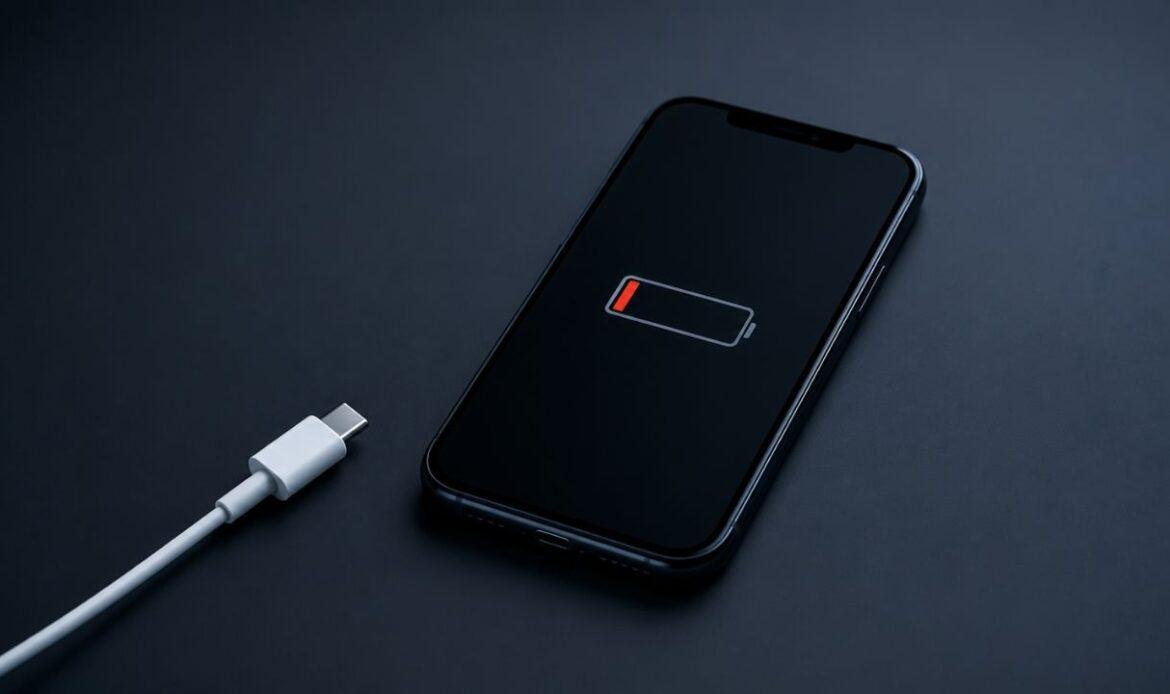
7 Common Reasons Your Phone Stops Charging and How to Fix Them
You plug in your phone, walk away, and come back to the same low battery you left. Few things feel as urgent. The good news is that when your phone is not charging, the cause is usually small and cheap to fix, and only sometimes points to a hardware fault that needs charging port repair. Most charging problems come down to a short list of culprits, and you can rule out the easy ones in a few minutes at home before you spend a dollar.
Before you blame the phone, run a quick check that repair shops use every day.
Start With the Swap Test
The fastest way to find the problem is to swap one part at a time and watch what changes. This one habit solves a large share of charging complaints, and it costs nothing.
- Swap the cable. Try a different cable that you know works.
- Swap the adapter. Plug that cable into a different wall plug.
- Swap the outlet. Move to a different wall socket, not a power bar.
If the phone wakes up after one of these swaps, you have found your answer. If nothing changes, the problem is more likely inside the phone. Keep that result in mind as you read the seven reasons below.
1. A Worn or Damaged Charging Cable
A bad cable is the most common reason a phone will not charge. Cables take a beating. They get bent, yanked, stepped on, and crammed into bags, and the thin wires inside snap long before the outside looks worn.
Check the cable for kinks, frayed ends, or bent pins. Then test it on another device. If that device also stays dead, the cable is the problem, and a new one is all you need. One tip that saves people a lot of guessing: a cable can carry data but not enough power, so a cable that lights up your screen still may not charge the battery. The only reliable test is to swap in a cable you trust.
2. A Faulty Adapter or Weak Power Source
Sometimes the cable is fine and the wall adapter is the weak link. Adapters wear out, cheap ones fastest, and a power surge can kill one quietly.
The power source matters too. Plug a lamp or another charger into the same socket to confirm it has power. Try to avoid charging from a laptop USB port or a crowded power bar, since these often push out too little power to charge a modern phone at a normal speed. A phone may even show the charging symbol while the battery slowly drops, because the trickle of power coming in is smaller than the power the screen and apps are using. Move to a proper wall socket and watch whether the percentage climbs.
3. A Dirty or Blocked Charging Port
Lint is a quiet enemy. Pockets and bags pack dust and fluff into the port until the cable can no longer sit deep enough to connect. Plenty of people asking why the phone is not charging never think to check the port first.
Power the phone off. Then use a wooden or plastic toothpick to gently lift the lint out. Do not use metal, and do not use water or compressed air, which can push debris deeper or bend the pins. If a clean port still will not charge, this deeper guide on why a charging port stops working walks through the rest.
4. A Software Glitch
Hardware is not always the villain. A frozen system or a buggy update can stop a phone from charging even when every cable and port is fine.
Restart the phone first, since a simple reboot clears most temporary faults. Then check for a software update, as makers like Apple often ship fixes for charging bugs in their updates.
5. Moisture in the Charging Port
If your phone got wet or sat in a humid bag, it may stop charging on purpose. Most modern phones detect moisture in the port and block charging to protect the pins from a short circuit, and they show a small water-drop warning.
Unplug the phone and let it air dry for several hours. Do not use a hairdryer, and do not charge it until the warning clears. If your phone refuses to charge once it is fully dry, trapped corrosion may need professional water damage repair.
6. An Aging or Swollen Battery
Batteries wear down with every charge. After a couple of years, a battery may refuse a charge, drain in minutes, or shut the phone off at 30 percent. A battery that looks puffy or pushes the screen up is swollen and needs attention right away.
Check your battery health in settings. If it sits well below 80 percent of its original capacity, a battery replacement will bring the phone back to life for far less than the cost of a new device.
7. A Damaged Charging Port or Internal Fault
If you have run the Swap Test, cleaned the port, restarted the phone, and the battery is healthy, the port itself or the board behind it may be damaged. A loose port, bent pins, or a failed charging chip will stop power from ever reaching the battery. This is the point where many people give up and ask, “my phone is not charging, why won’t anything work?”
A repair shop can test the port, the battery, and the board, then replace only the part that failed. That is almost always cheaper and greener than buying a new phone. A clear sign that the fault is internal is when the phone charges only if you hold the cable at a certain angle, or only on a wireless pad but never by cable. Both point to a worn port rather than a worn cable, and that is a hardware fix, not a home one.
Conclusion
A phone that stops charging is rarely a dead phone. Nine times out of ten the fault is a tired cable, a blocked port, a wet connector, or a worn battery, and you can sort most of these out at your kitchen table in minutes. Work from the cheapest fix to the most involved, use the Swap Test to narrow it down, and only reach for a technician once the simple steps run out. If my phone not charging is still the problem after all of that, the team at the iFix repair centre can run a full diagnostic and get you powered up again with same-day service.