There’s an old laptop sitting somewhere in your home right now. Maybe it’s in a drawer, maybe it’s stuffed in a closet behind some boxes, or maybe it’s been sitting on a shelf collecting dust for the past two years. You know you should do something with it. You’re just not sure what.
Here’s what most Canadians don’t realize: that old machine is probably not as dead as you think. And even if it genuinely is at the end of its life, tossing it in the trash is the single worst thing you can do — for the environment, for your privacy, and honestly, for your wallet.
Let’s talk about what safe, smart computer recycling actually looks like, and why the first question you should be asking isn’t “where do I recycle this?” — it’s “does this thing actually need to be recycled?”
Stop. Is It Actually Dead?
Before you start thinking about e-waste recycling or safe computer disposal, take an honest look at what’s going on with the machine. Most people assume a slow, glitchy, or struggling computer is garbage. It usually isn’t.
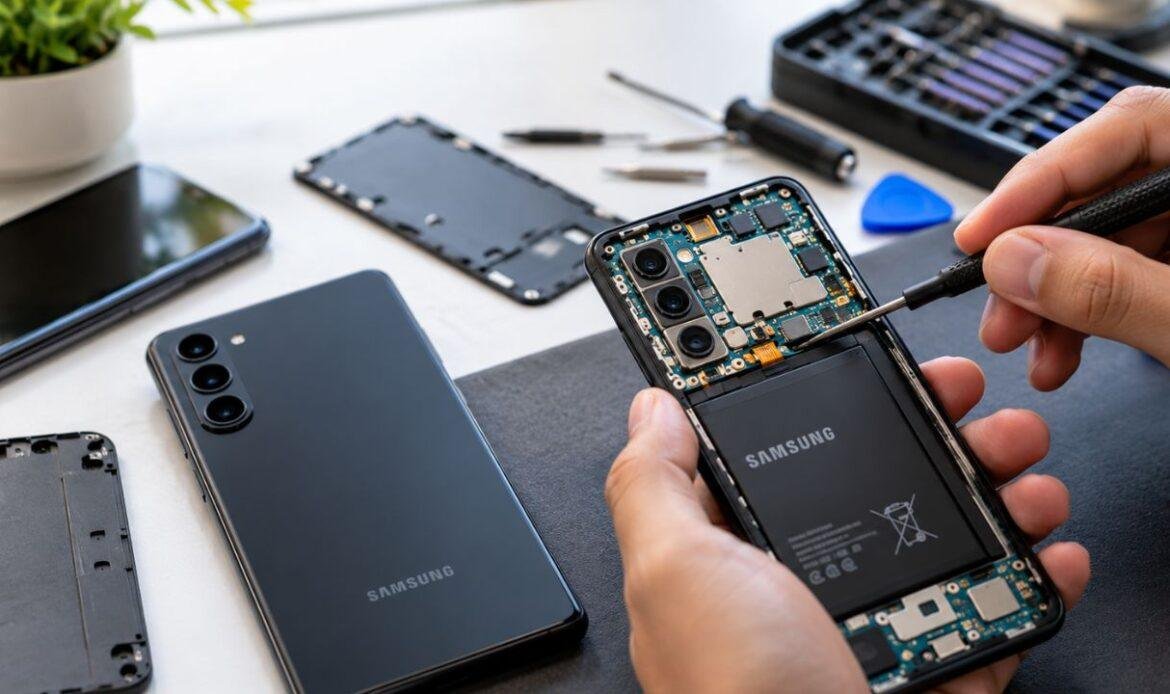
A laptop that crawls at startup? Might just need a new SSD and a memory upgrade. A desktop that randomly shuts off? Could be a battery or a fan that needs replacing. A screen with lines running through it or dead spots? That’s a screen replacement — not a death sentence.
The truth is, a professional repair costs a fraction of a new machine, and it can give your old computer years of life. At iFix Technology in Vancouver, we see it every week: people walking in with machines they’re ready to give up on, and we get them running better than they have in years.
If your laptop or desktop is underperforming, bring it in before you make any decisions about recycling. Our computer repair service in Vancouver includes free diagnostics so you know exactly what you’re dealing with, no guesswork, no pressure.
When Recycling IS the Right Call
Sometimes a machine really has run its course. The repair cost outweighs the value of the device, or the hardware is simply too outdated to be useful. That’s okay — it happens. When it does, responsible e-waste recycling matters more than most people realize.
Computers contain materials that can leach into the soil and water supply when they end up in landfills — lead, mercury, cadmium, and other heavy metals that have no business sitting in a dump. Canada has provincial e-waste recycling programs to handle this properly, and most municipalities have dedicated drop-off points for electronic waste recycling.
In British Columbia, the Recycle My Electronics program accepts old computers, laptops, monitors, and accessories at no charge. You can find a drop-off location near you through their website, and the process is genuinely simple.
But — and this is critical — you can’t just drop off your computer and walk away. Not without taking one very important step first.
The Step Nobody Talks About: Your Data
Your old computer has your life on it. Saved passwords, banking history, old tax documents, personal photos, login credentials, emails — years of private information sitting on a drive that you’re about to hand to a stranger or drop in a bin.
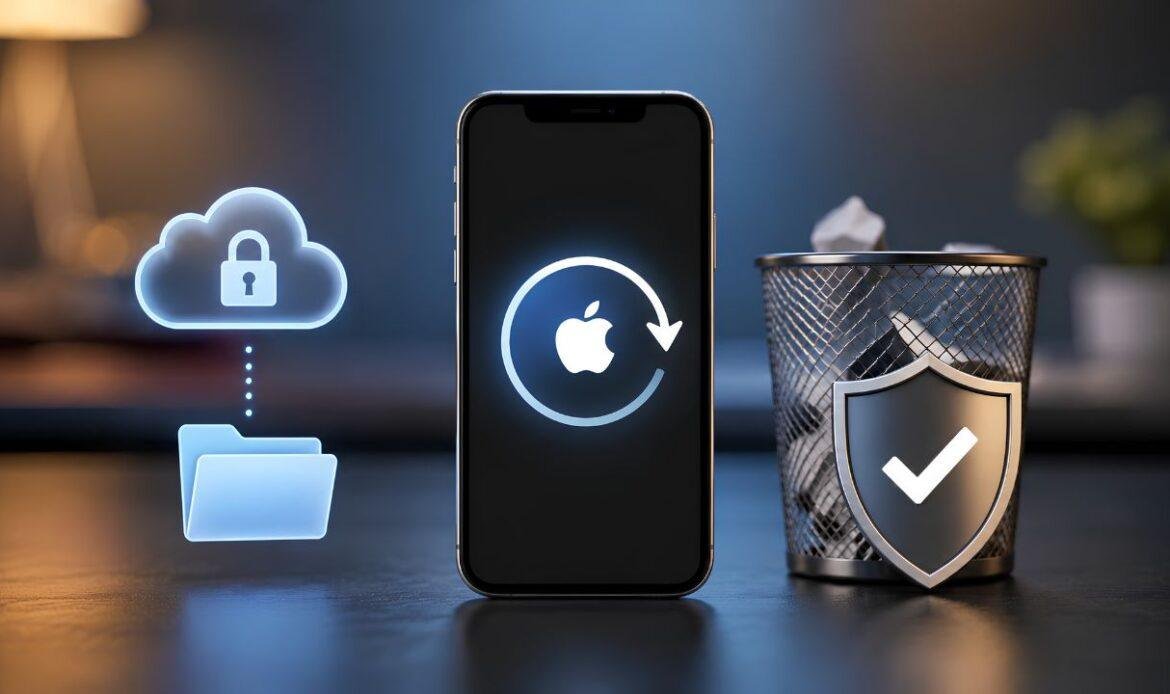
A factory reset does not make that data unrecoverable. Without proper data wiping, someone with basic recovery tools can pull information off that drive.
Before you recycle any device, you need to either:
Wipe the drive properly — Using software like DBAN (Darik’s Boot and Nuke) for Windows machines, or the built-in secure erase options for Macs. This overwrites the data multiple times so it can’t be recovered.
Have the drive physically destroyed — For older HDDs especially, physical destruction is the most reliable option. Some recycling centres offer this, or a repair shop can pull the drive for you.
Or — let us handle it. If you’re not comfortable doing this yourself, our team at iFix Technology can securely wipe your drive or perform a proper data recovery and backup before disposal. We also offer software and data recovery services for situations where you want to save files from a machine before it goes.
What About Selling or Donating Instead?
Recycling is the last resort, not the first one. Before you hand your old computer off to an e-waste program, consider whether it still has value for someone else.
A lot of older machines work perfectly fine for basic tasks — web browsing, document editing, video calls. Schools, non-profits, and community organizations in Canada are often looking for functional donated computers. If yours still turns on and gets around, it might have a second life ahead of it.
And if you just want the cash? We buy used devices. At iFix Technology, you can sell your device directly to us. We’ll assess it, make you an offer, and you walk away with money in your pocket instead of making a trip to a recycling drop-off. Easy.
The Real Cost of Doing Nothing
Here’s the thing nobody talks about when it comes to old computers: most people just… don’t deal with them. The laptop goes in a drawer, or the desktop sits in a corner unplugged, and life moves on.
That’s a mistake. Every month that machine sits there, it’s either occupying space you could use, holding onto data that’s a liability, or quietly degrading into something that’s harder to repair and less valuable to sell or donate.
The longer you wait, the fewer options you have.
If you’re in Vancouver and your old computer has been sitting around longer than it should, bring it in. We’re at 3613 Main St, right in the heart of the city. Whether you want a repair quote, a buyout offer, data wiped before you recycle, or just an honest opinion on what the machine is worth — we’ll tell you straight.
Responsible e-waste recycling starts with knowing your options. And the best way to know your options is to talk to someone who deals with this every single day.