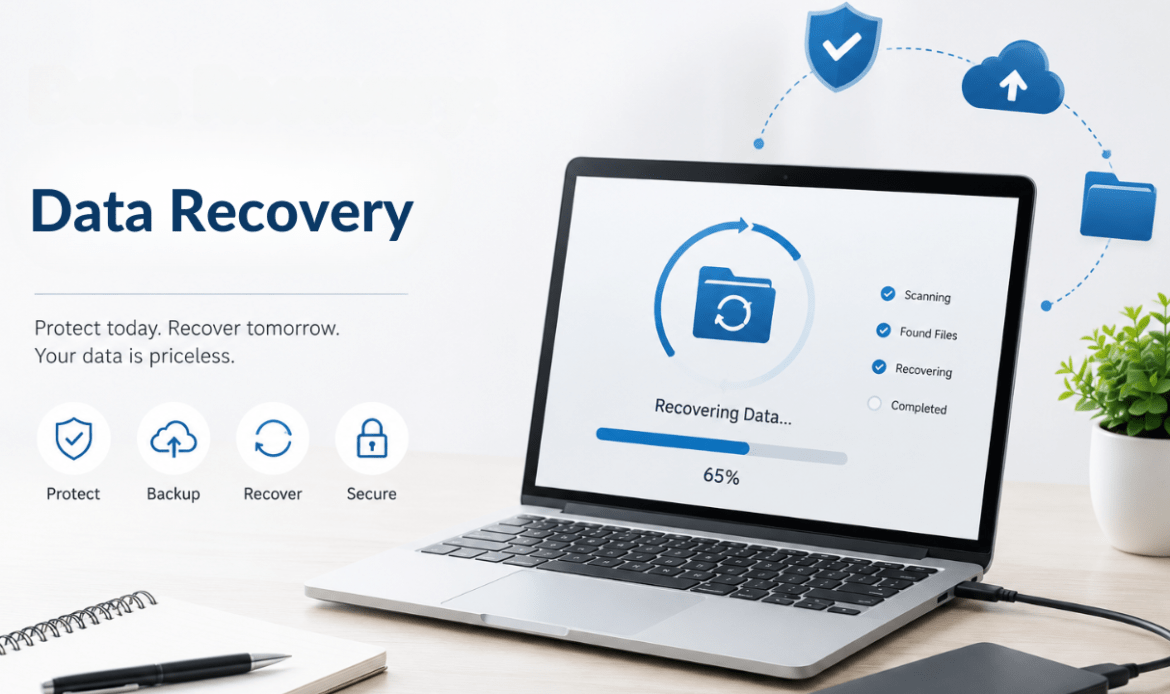
Data Recovery: How to Protect Your Valuable
I want to tell you about a Tuesday afternoon that changed everything for a client of ours.
She ran a small photography business out of Vancouver. Four years of client photos — weddings, portraits, family milestones — all stored on a single external hard drive. No backup. No cloud sync. Just one drive sitting on her desk.
Then her toddler knocked a glass of water onto it.
She called us in a panic, voice shaking. We’ve heard that voice before. More times than we’d like to count.
The good news? We recovered 94% of her files through our hard drive recovery process. The bad news? She lost a week of sleep, a handful of client relationships, and more stress than anyone should carry — all because of something that was completely preventable.
If you’re reading this right now, you probably haven’t had your “glass of water moment” yet. This is your sign to act before you do.
Your Data Is More Fragile Than You Think
Most people treat their digital files the way they treat their health — they don’t think about it until something goes wrong. Your photos, documents, financial records, client files, work projects — they all live on hardware that is, at its core, a physical object. Physical objects fail.
Hard drives have moving parts that wear down. SSDs have finite write cycles. Phones get dropped, submerged, and stolen. Computers catch viruses. And sometimes, files just disappear without any explanation at all.
Lost data recovery is possible in many situations — but it’s never guaranteed, and it’s never cheap. The right question isn’t “what do I do when my data is gone?” The right question is “what do I do today so I never have to find out?”
The 3-2-1 Rule (And Why Most People Ignore It)
Here’s the simplest data protection strategy in existence, and almost nobody follows it:
3 copies of your data. 2 different storage formats. 1 stored offsite.
That means your original files, a local backup (external drive, NAS), and a cloud backup. Three layers. If one fails, you still have two more.
Sounds obvious, right? And yet the vast majority of people — including business owners who absolutely should know better — are walking around with a single copy of everything that matters to them.
We see it every week at here. Someone walks in with a dead laptop or a cracked phone, and the first thing they ask isn’t “can you fix it?” — it’s “can you save my files?”
Sometimes we can. Sometimes we can’t. Don’t make that gamble.
What Actually Causes Data Loss?
Before you can protect your valuable data, you need to understand what threatens it. The causes aren’t always dramatic.
Hardware failure is the most common culprit. A hard drive clicking, grinding, or simply not mounting anymore. SSDs that die suddenly and silently. These aren’t rare events — they’re a matter of when, not if.
Accidental deletion is more embarrassing but just as devastating. One wrong keystroke. One “yes” to the wrong prompt. One folder dragged to the trash without realizing what was inside.
Liquid damage is where we see the most heartbreak. A spilled coffee. A phone dropped in a puddle. Water and electronics have a famously bad relationship, and data is often the casualty. (If you’ve experienced device damage, our phone repair in Vancouver team has helped hundreds of people get their devices — and their data — back.)
Malware and ransomware are increasingly targeting everyday users, not just corporations. One bad download, one suspicious email attachment, and your files can be encrypted and held hostage.
Software corruption happens during failed updates, unexpected shutdowns, or application crashes. It’s quieter than a flood but just as destructive.
Computer Data Recovery: What It Actually Involves
When someone brings us a device for file recovery services, here’s what most people don’t realize: the data isn’t gone the moment a file is deleted or a drive fails. In many cases, the information is still physically on the device — it just needs to be found and extracted before it gets overwritten.
This is why time matters. If your drive fails or your files disappear, stop using that device immediately. Every new write to the disk increases the chance of permanently overwriting the data you’re trying to save.
Computer data recovery is a technical process that involves imaging the drive, scanning for recoverable file structures, and piecing together what’s left. In severe cases — like a physically damaged drive — it can require cleanroom conditions and specialized hardware.
What we always tell people: the sooner you come in, the better your odds.
Building Your Protection Plan Right Now
You don’t need expensive software or a technical background to protect yourself. You need three things: intention, habit, and the right setup.
Step one: Pick a cloud backup service and actually use it. Google Drive, iCloud, Backblaze, OneDrive — pick one and turn on automatic sync today. Not tomorrow. Today.
Step two: Get an external drive and back up monthly at minimum. Weekly is better. If your files change daily (photographers, designers, writers — we’re looking at you), daily backups are worth the extra five minutes.
Step three: Stop storing everything in one place. If your laptop is your only copy of something, it’s not backed up. If your phone is the only place those photos exist, they’re not safe.
Step four: Know who to call when something goes wrong. Because even with the best protection habits, things happen. Having a trusted data recovery partner in your city means you’re not scrambling at 11pm trying to figure out what to do.
Don’t Wait for the Glass of Water
Our photographer client? She’s doing great now. Full backup system, cloud sync running in the background, and an external drive that gets updated every Sunday evening. She also sends us a thank-you message every few months — not because we’re amazing (though we try), but because that scare genuinely changed how she operates.
She told us something we haven’t forgotten: “I didn’t realize how much I was risking until I almost lost everything.”
You don’t have to almost lose everything to take this seriously.
If you’re in Vancouver and you’re worried about your current setup — or if something has already gone wrong — reach out to the team at iFix Technology. We offer professional file recovery services, device diagnostics, and honest advice about what’s actually possible.
Because the best data recovery story is the one where you never needed it in the first place.