You’re sitting there buffering through a show, your video call keeps freezing mid-sentence, or a file that should take two minutes to download is somehow still going twenty minutes later. You’ve restarted the router. You’ve called your provider. They tell you everything looks “normal on their end.”
Sound familiar?
Here’s the thing — slow internet isn’t always your provider’s fault. And honestly, sometimes it’s not even your internet at all. A lot of Canadians are blaming their ISP when the real issue is sitting right in their hands or on their desk. But before we get into that, let’s talk about how to actually check if your internet is the problem.
The Quick Way to Test Your Speed
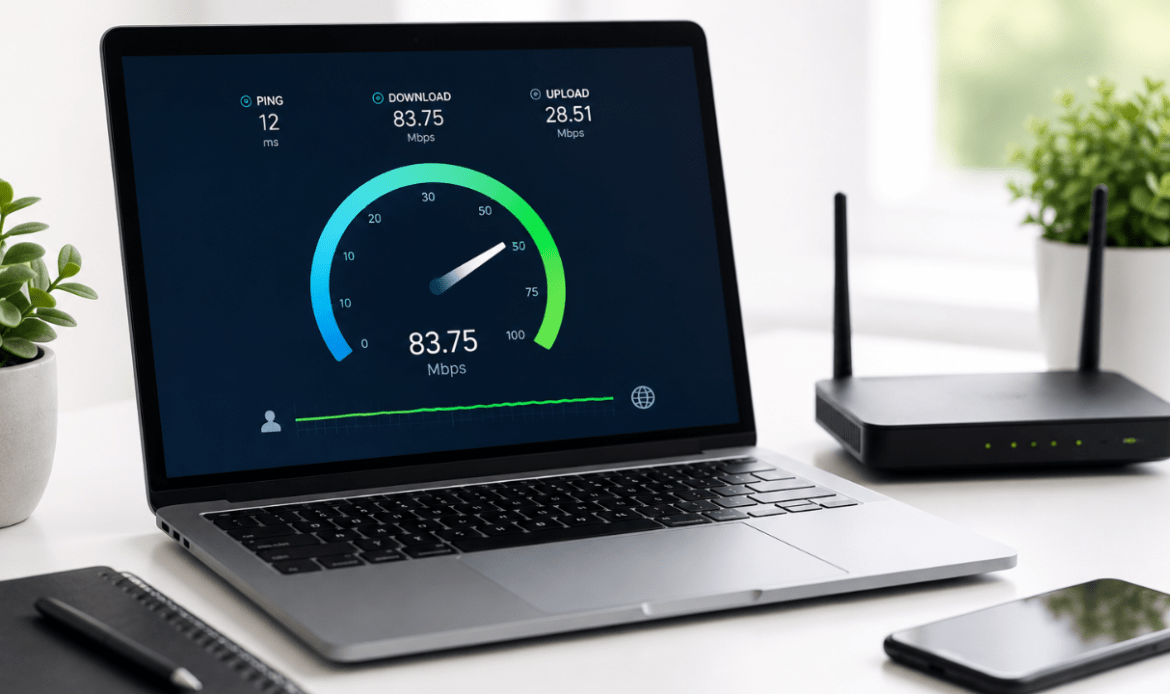
Open a browser on your phone or laptop and go to a free speed test site — Speedtest by Ookla and Fast.com are both solid options. Hit the button and let it run. It’ll give you three numbers that matter:
Download speed — how fast data comes to your device. This is what controls how quickly pages load, videos stream, and files download.
Upload speed — how fast data leaves your device. This one matters more than people think, especially for video calls, gaming, and sending large files.
Ping (or latency) — the reaction time between your device and the server. High ping is why games feel laggy even when your speeds look fine on paper.
Most Canadian internet plans promise anywhere from 25 Mbps to 1 Gbps download speeds. If you’re running the test and your numbers are dramatically lower than what you’re paying for, your ISP is worth calling. But — and this is important — run the test a few times, at different hours of the day. Evening speeds in Canada are notoriously slower because everyone’s home streaming at the same time.
Wi-Fi vs. Wired — The Difference Is Bigger Than You Think
Here’s something people don’t realize: the speed test result on Wi-Fi is almost never the real speed coming into your home. It’s the speed after your signal bounces off walls, travels through floors, and fights with your neighbour’s network.
If you want to know your actual internet speed, plug your laptop directly into the router with an ethernet cable and run the test again. You’ll often see a significant jump. If your wired speed is great but Wi-Fi is crawling, that’s a router problem, not an internet problem.
If both are slow? Then yeah, your ISP has some explaining to do.
When Your Device Is the Real Bottleneck
This is the part nobody wants to hear — sometimes the internet is perfectly fine, and the device is what’s struggling.
Older laptops have network cards that physically can’t process fast speeds. A MacBook with a failing logic board, an iPhone with a damaged antenna after a drop, a laptop that’s overheating and throttling its own performance — all of these will make your internet feel slow even when it isn’t.
Some signs your device might be the issue rather than your connection:
- Speed tests on one device are fine, but another device on the same network is crawling
- Your laptop runs slow on everything, not just internet tasks
- Your phone dropped recently and internet performance got noticeably worse after
- Pages load fine on mobile data but struggle on Wi-Fi (or vice versa)
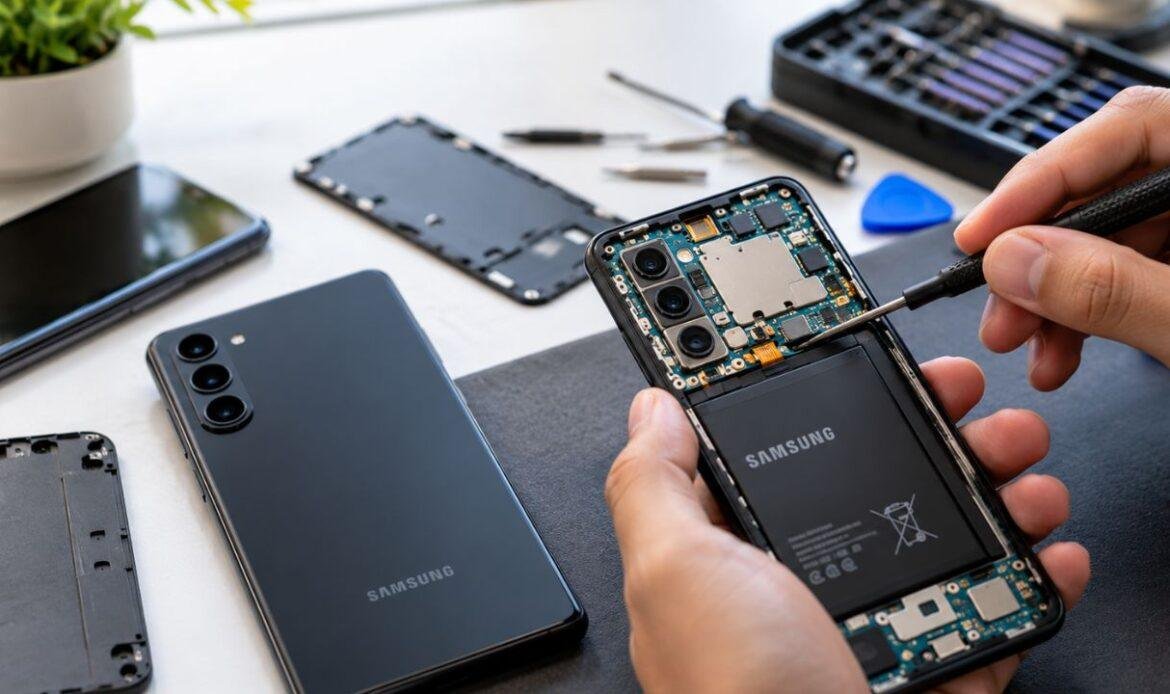
If you’ve got a device that’s been acting up and you’re not sure whether it’s a hardware issue or something else, it’s worth getting it looked at. We see this more than you’d think — someone convinced their internet is broken, when really it’s a laptop that needs some attention or an iPhone with antenna damage from a previous repair done somewhere else.
The Common Device Issues That Kill Your Internet Experience
Cracked or damaged screens on phones might seem unrelated to internet performance, but water that gets in through a cracked screen can damage internal components including Wi-Fi and cellular antennas. If you’ve been putting off a screen replacement, don’t be surprised if other things start going sideways.
Battery health matters more than people know. When a battery is degraded, your phone or laptop actively reduces performance to protect itself. That includes slowing down background processes — and yes, that can affect browsing speeds and app performance. A quick battery replacement can genuinely make a device feel brand new.
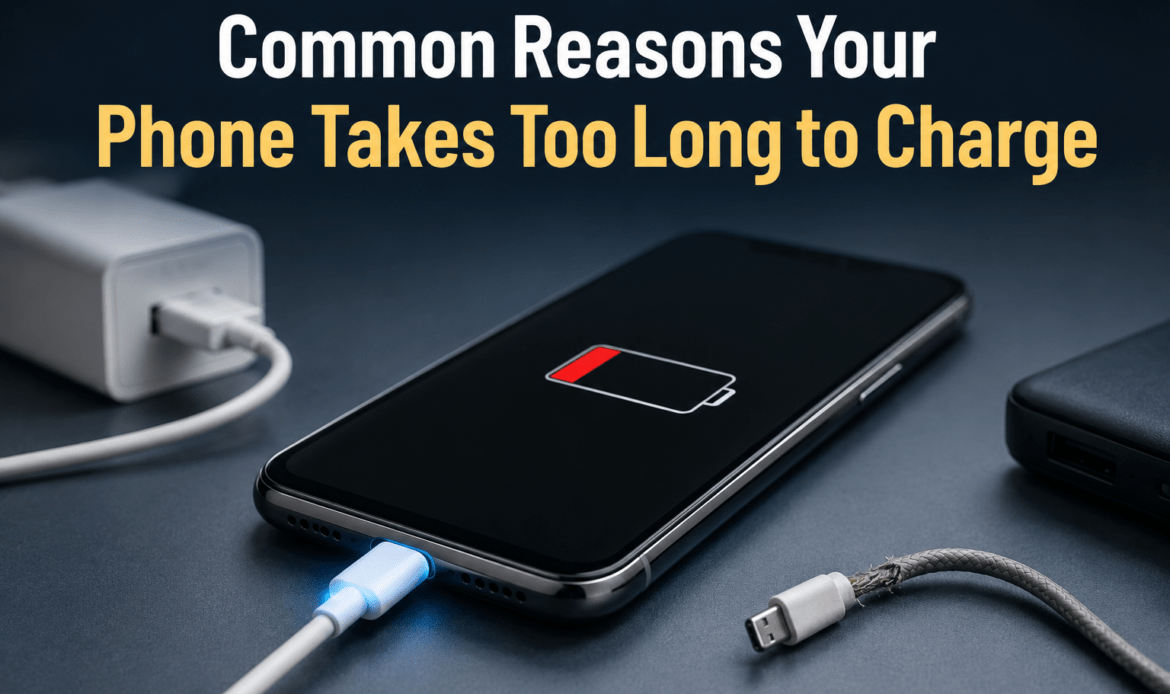
Charging port damage leads to inconsistent power, which means your device is sometimes running on less power than it needs. That affects everything. If your phone only charges at certain angles or charges slowly, a charging port repair might solve more than just your charging problem.
Water damage is a silent killer for internet performance. A device that got wet — even briefly, even a while ago — may have corrosion building up on internal components. The antenna is often one of the first things affected. If your phone started getting weaker signal or dropping Wi-Fi more often after any water exposure, that’s a red flag worth addressing before it turns into something worse.
So You Ran the Test — Now What?
If your speeds came back way below what your plan promises, document it. Take screenshots with the timestamp visible. Run the test at different times and on different devices. Then call your ISP with actual data — it’s a much more effective conversation than just saying “my internet is slow.”
If speeds look fine but your device still feels sluggish on the internet, the problem is almost certainly hardware. Something inside the device is struggling, whether it’s the network card, antenna, battery, or something else.
The good news is most of these issues are fixable — often same day, often for less than you’d expect.
Tired of Guessing What’s Wrong?
If you’re in Vancouver and you’re dealing with a device that just isn’t performing the way it should — whether it’s slow internet, random crashes, a dying battery, or anything else — come see us. We’re at 3613 Main St and we do free diagnostics, so you’ll know exactly what’s going on before you commit to anything.
We work on iPhones, Samsung phones, MacBooks, laptops, iPads, Google Pixels, and gaming consoles. Most repairs are done the same day.
Don’t spend another week convinced your internet is the problem when a 30-minute repair might fix everything.