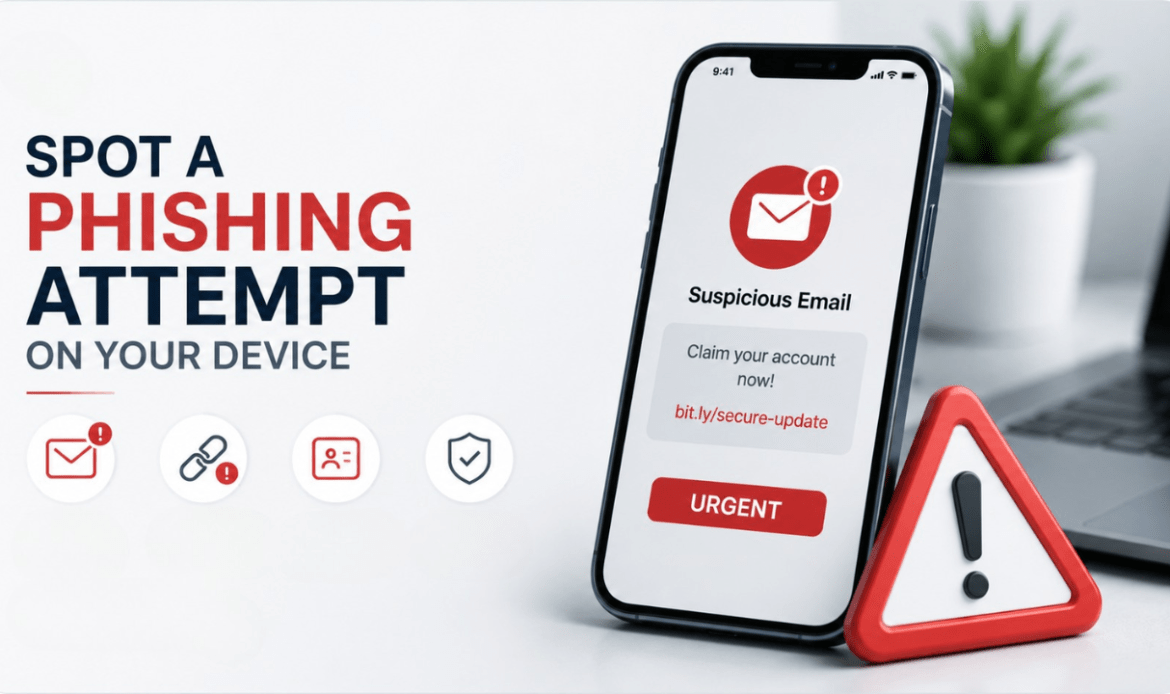
You’re going about your day, phone in hand, when a message pops up. Maybe it looks like it’s from your bank. Maybe it’s an “urgent” email from Canada Revenue Agency. Or maybe it’s just a text saying your package couldn’t be delivered and you need to click a link to reschedule. Seems fine, right?
This is exactly how phishing works. And it’s working on millions of Canadians every single year.
Phishing scams are no longer the clunky, broken-English emails of the early 2000s. They’ve evolved into something frighteningly convincing — and if your device gets compromised because of one, the damage can go far beyond your bank account. Your personal data, your saved passwords, your photos, your contacts — all of it becomes vulnerable.
So let’s talk about what actually gives these scams away, because once you know what to look for, they become a lot harder to fall for.
The Urgency Trick Is Always the First Red Flag
Every phishing attempt has one thing in common: it wants you to act fast. “Your account will be suspended in 24 hours.” “Verify your identity immediately.” “Claim your prize before it expires.”
That manufactured panic is the whole game. Scammers know that when you’re in a rush or emotionally triggered, you stop thinking clearly and start clicking. Legitimate companies — your bank, your telecom provider, the CRA — will never pressure you into making an immediate decision through a text message or email. If something feels rushed or threatening, slow down. That gut discomfort is usually right.
The Sender’s Address Is Almost Never What It Seems
One of the most reliable phishing attack warning signs is a suspicious sender address. On mobile especially, email apps often only display the sender’s display name, not the actual address underneath it. So you might see “Apple Support” as the name, but when you tap to expand it, the actual email is something like su*****@*********************nt.ru.
The same goes for text messages. Scammers can spoof numbers to make them look like they’re coming from your bank’s official short code. If you get an unexpected text asking you to click a link, don’t — go directly to the official app or website instead.
If your phone has been acting strangely after clicking something suspicious — unexpected battery drain, apps crashing, data usage spiking — it’s worth having it checked out. Our team at iFix Technology Vancouver deals with compromised and malfunctioning devices regularly, and we can help you figure out what’s going on.
Links That Don’t Quite Add Up
Hover over a link (on desktop) or press and hold it (on mobile) before you ever tap it. What you’ll often find is a URL that looks almost right but isn’t — something like www.rnbc.ca instead of www.rbc.ca, or a string of random characters before a familiar domain name.
Phishing scam protection starts with this one habit. Before you click anything in an email or text you weren’t expecting, verify where it actually goes. If the URL looks weird, long, or unfamiliar — don’t touch it.
And if you’ve already clicked something and you’re now worried your device has been compromised, don’t wait. A quick checkup at our software issues and data recovery service can save you a serious headache down the line.
Phishing Doesn’t Just Happen Through Email Anymore
This is something a lot of people don’t realize. While learning how to identify phishing emails is still important, modern phishing attacks happen across almost every channel — SMS (called “smishing”), phone calls (called “vishing”), fake app download pages, social media DMs, and even QR codes that redirect you to malicious sites.
If someone calls you claiming to be from Microsoft, your internet provider, or the government and asks for remote access to your device or payment in gift cards — hang up. That’s a scam, full stop. No legitimate tech company or government agency in Canada operates that way.
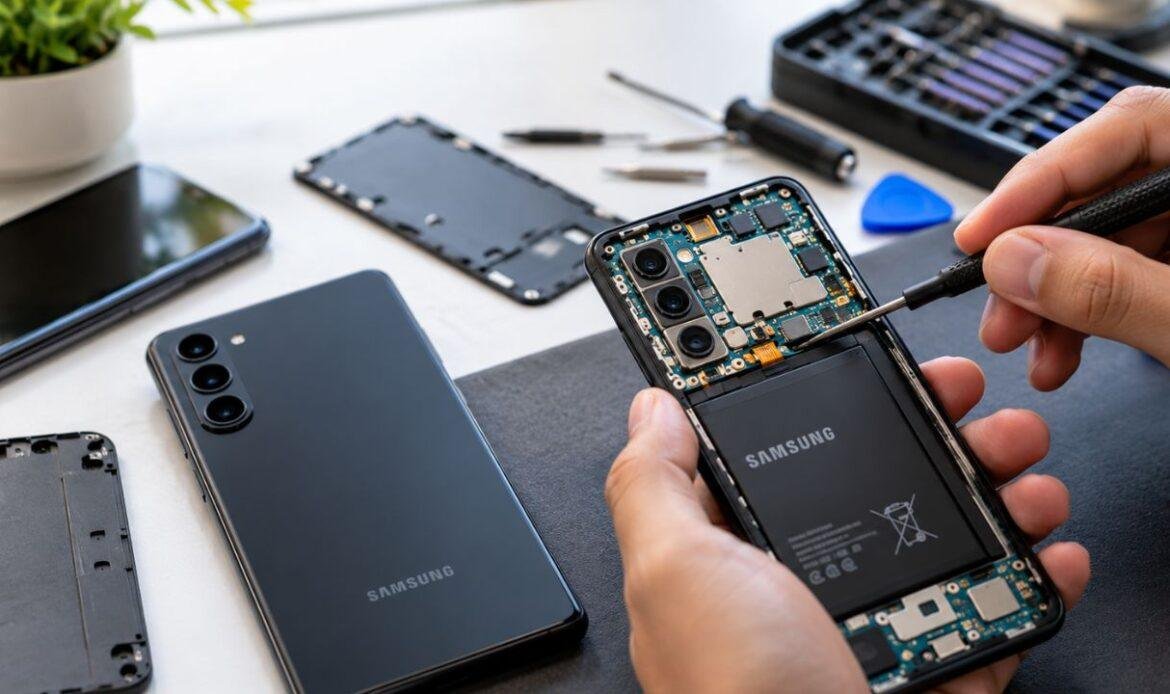
The same applies to fake app stores or third-party download sites pushing apps that look like real ones. Stick to official platforms. And if something gets installed on your device that you don’t recognize, bring it in. Our team handles phone and tablet repairs as well as software issues — we’ll take a proper look.
What Happens After You’ve Been Phished
Here’s the part that doesn’t get talked about enough. Let’s say you clicked the link. You entered some information. Now what?
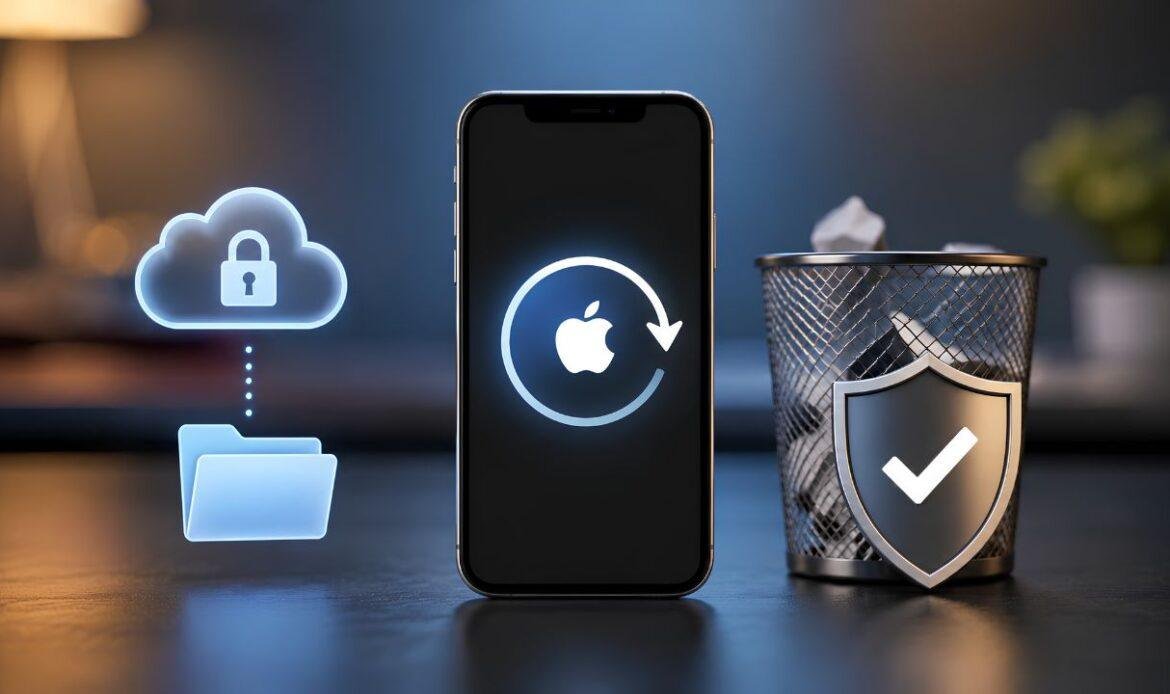
First, don’t panic — but do act quickly. Change your passwords immediately, starting with your email and banking accounts. Enable two-factor authentication if you haven’t already. Contact your bank if any financial information was entered. And if you think something was installed on your device, a factory reset might be necessary — though that obviously means losing data.
Before you get to that point, bring your device in. Whether it’s an iPhone, Samsung, Google Pixel, MacBook, or laptop, we can run a proper diagnostic, check for malicious software, and help you recover data if needed — all without unnecessary costs or upselling.
The Habits That Actually Protect You
Knowing how to detect phishing attempts is useful. Building habits around that knowledge is what actually keeps you safe.
Keep your operating system and apps updated — many phishing attacks exploit known vulnerabilities in outdated software. Use a password manager so you’re not reusing the same credentials everywhere. Be skeptical of anything that arrives unsolicited, no matter how official it looks. And if someone you trust sends you a link or attachment that feels off, verify with them directly through a different channel before opening it.
Your device is the gateway to almost everything in your life right now — your finances, your identity, your memories. Treating it with that level of respect isn’t paranoia. It’s just common sense.
When Something Feels Off, Trust That Feeling
At the end of the day, most people who get phished know something felt wrong in the moment. They just didn’t act on it. That instinct is worth listening to.
If your device is behaving strangely, if you’ve clicked something you shouldn’t have, or if you just want peace of mind — come see us. We offer same-day service on most devices. You can also get a quote online . Your security matters. Don’t leave it to chance.