Your phone slips out of your hand, lands face down, and you already know what you will see when you pick it up. A cracked screen is one of the most common phone problems, yet most people freeze at the same question: how do you fix a cracked screen on a phone without making it worse? The answer depends on how deep the damage goes. Before you try anything, it helps to know the signs of smartphone screen failure so you can tell a surface crack apart from real display damage.
Here is the honest truth. Some cracks can wait, some can be managed at home for a while, and some need proper repair right away. This guide walks you through all three paths, step by step, in plain words.
Step 1: Check How Bad the Damage Is
The first step is always the same. Look closely at the screen and figure out which layer is broken. A phone screen has three layers: the glass on top, the display panel under it, and the touch layer that reads your finger.
Check for these things:
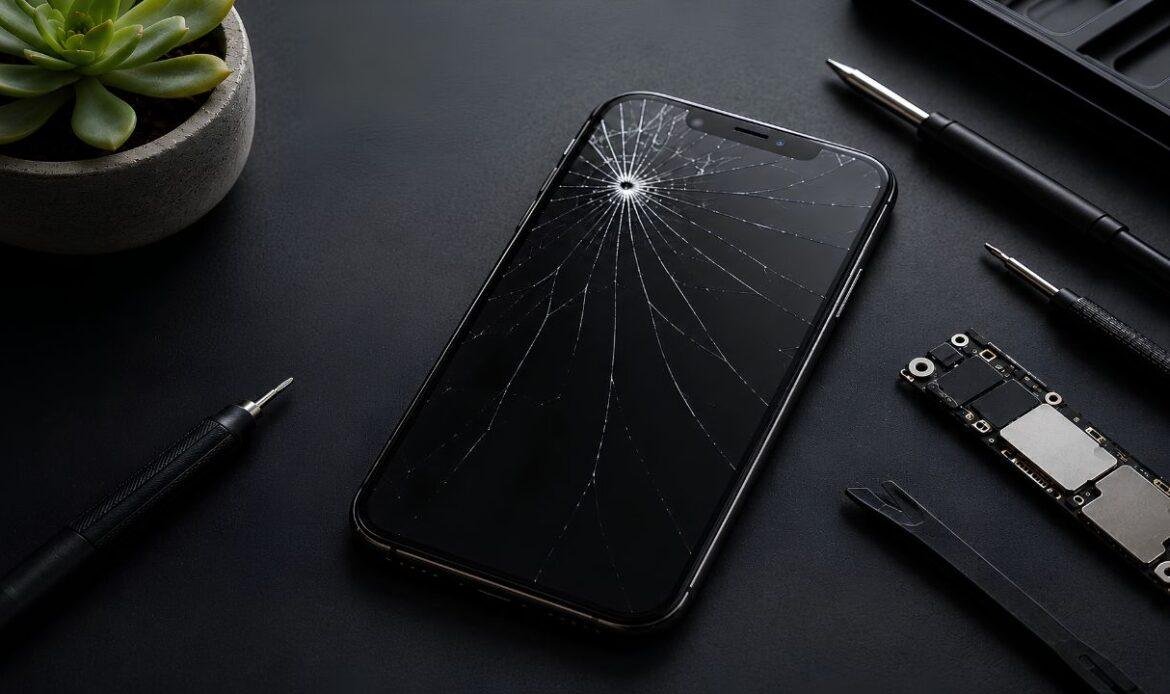
- Hairline crack: A thin line on the glass only. The picture looks normal and the touch works fine.
- Spider web cracks: Cracks spreading from one point. The glass is weak, but the display may still be okay.
- Phone display crack: Black spots, colored lines, or a bleeding ink look under the glass. This means the display panel itself is damaged.
- Touch problems: The screen ignores your taps or types on its own. The touch layer is failing.
If you only see a thin line and everything still works, you have time. If you see lines, spots, or dead zones, the damage sits deeper than the glass, and home fixes will not help.
Step 2: Protect the Screen Right Away
Whatever you plan to do next, protect the crack first. Glass cracks spread. Heat, pressure in your pocket, and even daily tapping push a small line into a full break within days.
Do these three things as soon as possible:
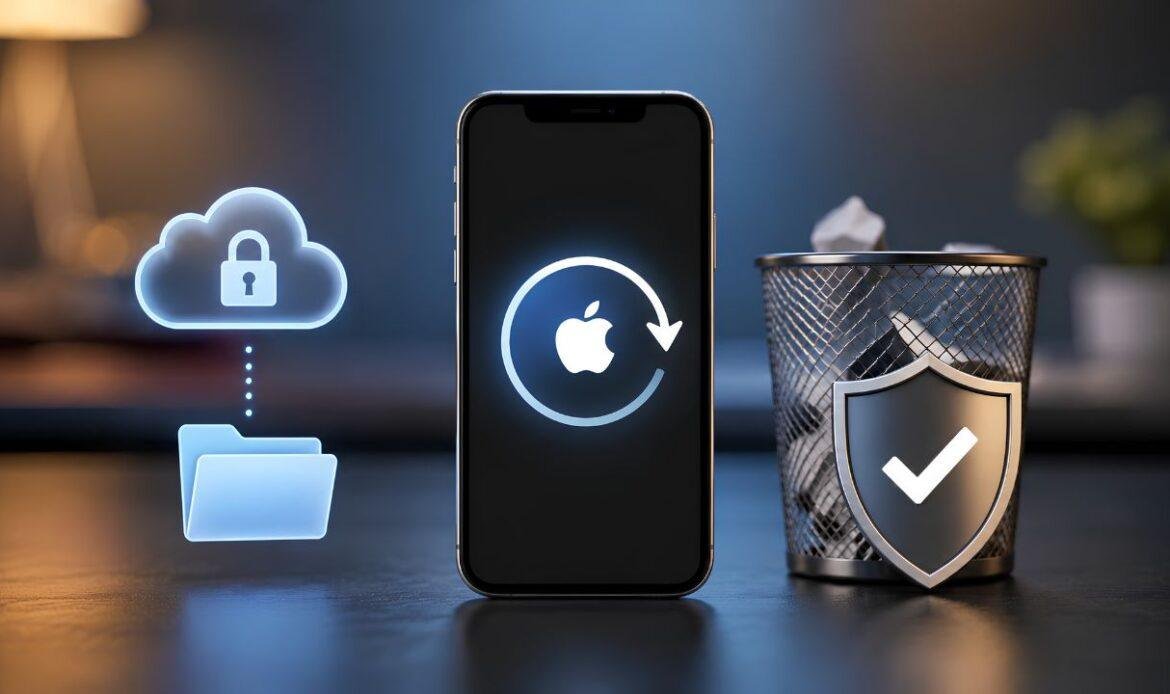
- Back up your phone: If the screen dies fully, you may lose access to your data.
- Cover the crack with clear tape or a screen protector: This holds the glass together and keeps tiny shards away from your fingers.
- Stop pressing on the cracked area: Use the working parts of the screen until the phone is fixed.
This is not a repair. It is a way to stop things from getting worse while you decide what to do.
How to Fix a Small Crack on Phone Screen at Home
If you searched for how to fix a small crack on a phone screen, you have probably seen tricks like toothpaste, baking soda, or nail polish. Skip them. Toothpaste and baking soda only scratch the coating on your glass. Nail polish can seal a tiny chip for a short time, but it does nothing for a real crack.
What actually works at home:
- A tempered glass screen protector: Placed over a hairline crack, it stops the crack from spreading and hides it fairly well.
- Clear packing tape: A clean, budget option that keeps dust and moisture out of the crack.
- A quality case with raised edges: It absorbs the next drop so the same corner does not take another hit.
A small crack that does not grow and does not affect touch can live under a protector for months. Check it every week. The moment the crack spreads or the display changes, move on to a real repair.
Cracked Top on an Android? How to Repair It
A crack across the top of an Android screen is very common because phones usually land on a corner first. Many people ask if they can repair a cracked top of an Android screen themselves with a DIY kit, since only one part of the glass looks broken.
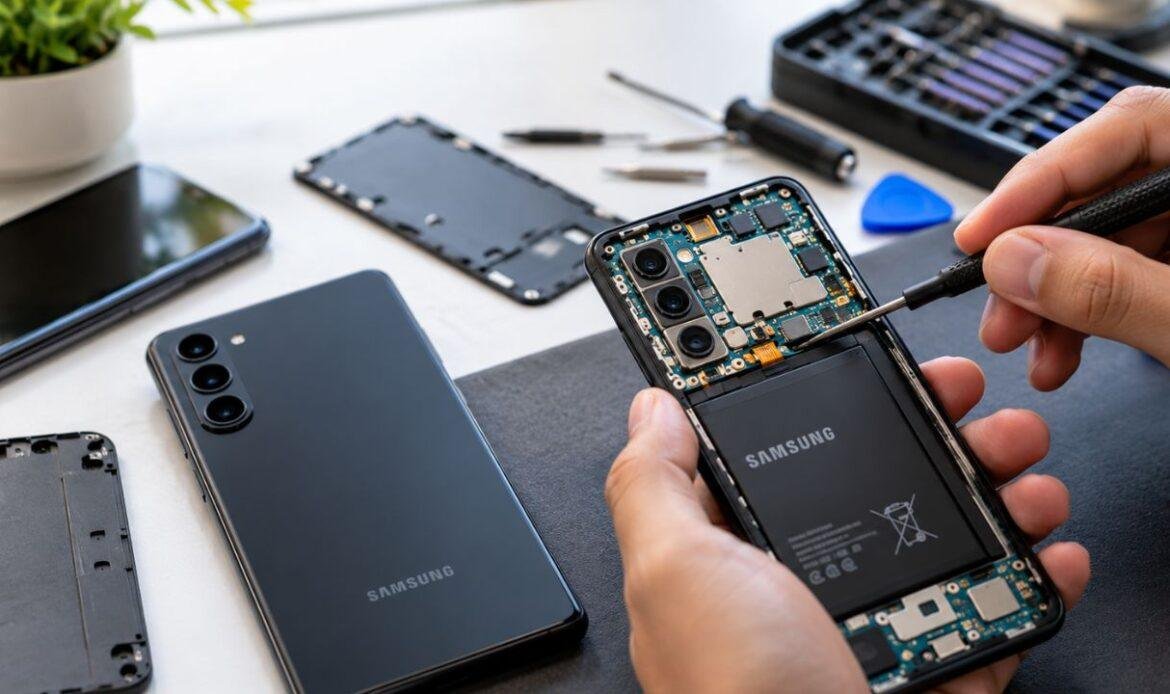
Here is the problem. On almost every modern Android phone, the glass, display, and touch layer are glued together as one sealed unit. You cannot replace just the top strip of glass. Repairing it means removing the whole screen with heat, separating fragile cables, and fitting a new panel without damaging the frame.
DIY kits do exist, and they can work on older phones if you are patient and follow a video guide for your exact model. But cheap kit screens often have weak brightness, poor touch response, and no water seal. One slip with a pry tool near the battery can also turn a screen repair into a much bigger problem, sometimes leaving you needing a battery replacement on top of a new display.
If your phone is new, expensive, or has face unlock parts built into the screen, a DIY repair is a risky bet.
DIY vs. Professional Cell Phone Cracked Screen Repair
So when should you pick each path? Use this simple rule.
Choose a DIY fix when:
- The crack is small and touch works perfectly
- Your phone is older and low in value
- You are comfortable with tools and can accept the risk
Choose professional cell phone cracked screen repair when:
- The display shows lines, spots, or dead zones
- Touch is failing or typing on its own
- Your phone is under two years old or still valuable
- You need the phone working and cannot risk a failed repair
A repair shop replaces the full screen unit with proper parts, tests the touch and display layers, and usually backs the work with a warranty. Most screen swaps take under an hour, so a professional screen replacement is often faster than waiting for a DIY kit to arrive in the mail.
How Much Does It Cost to Fix a Phone Broken Screen?
Cost is the reason most people delay this repair, so let us be clear about it. The price of fixing a broken phone screen depends on three things: the phone model, the type of display, and the quality of the replacement part.
As a general guide, basic phones with LCD screens sit at the lower end, while flagship phones with OLED displays cost more because the panel itself is expensive. A DIY kit looks cheaper on paper, but add the tools, the time, and the chance of a second attempt, and the gap shrinks fast.
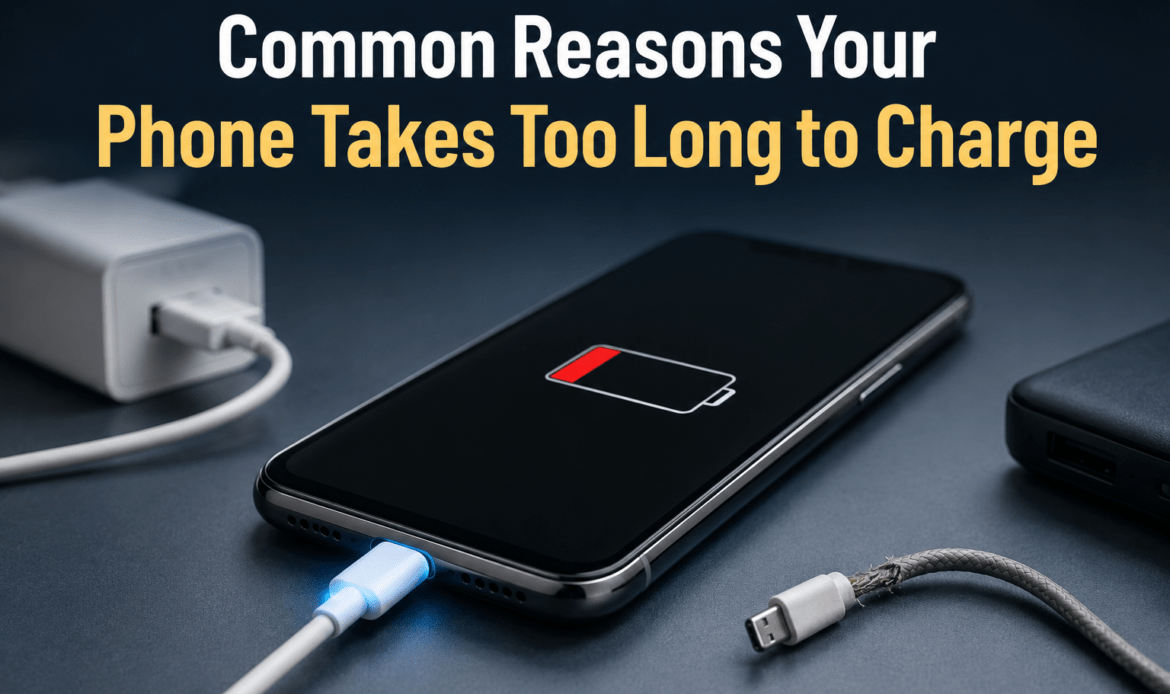
One more thing worth checking after a hard drop: the impact that cracked your screen can also loosen internal connections. If your phone charges slowly or the cable feels loose after the fall, have the charging port checked during the same visit, since it is quicker and cheaper to fix both at once.
Always ask for a quote before you commit. A good shop will tell you the price up front and whether the repair is even worth it compared to the value of the phone.
Conclusion
So, how do you fix a cracked screen on a phone? Start by checking how deep the damage goes, protect the crack with tape or a tempered glass protector, and be honest about whether a home fix is enough. Small glass cracks can be managed at home, but a phone display crack, touch failure, or spreading damage needs a proper screen replacement with quality parts. When you reach that point, a trusted local repair service like iFix Technology can test the screen, confirm what is actually broken, and replace it the same day. A cracked screen never heals on its own, and it never gets cheaper to fix by waiting. Act early, and a small crack stays a small problem.