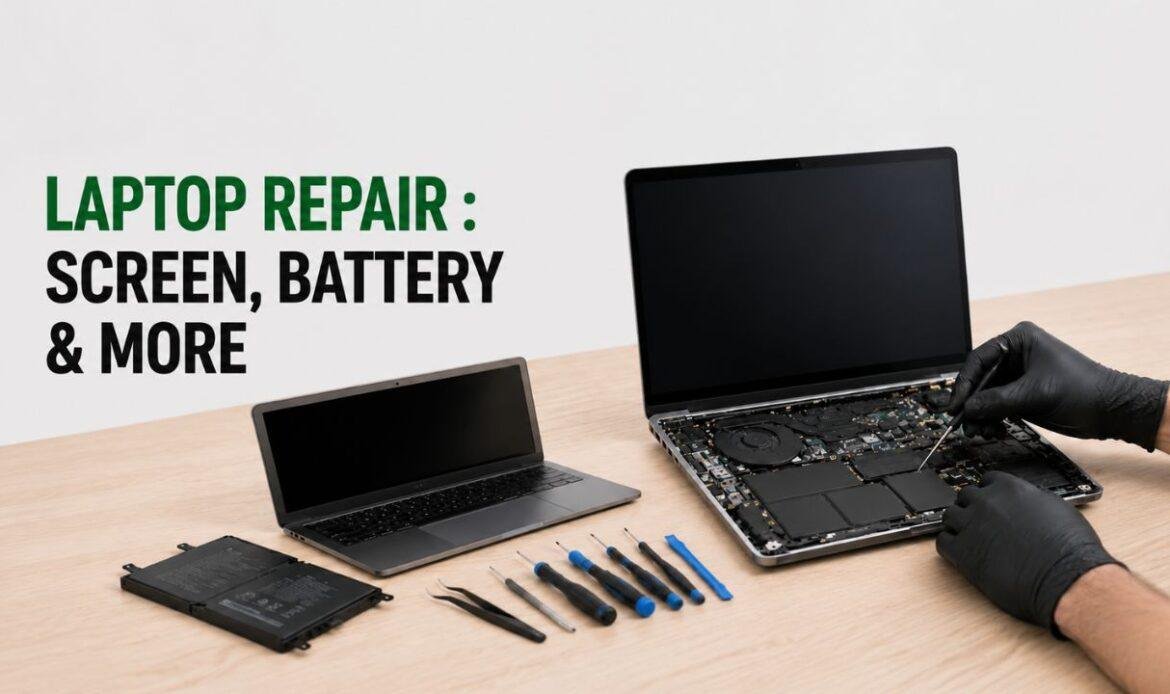
A cracked screen has a way of turning a normal day into a small panic. You drop the laptop once, the display goes dark or spider-webbed, and the next thought is almost always the same: how much is this going to cost me? Then you call a shop for laptop repair Vancouver services, hear a number, and have no idea if it is fair.
That uncertainty is the real problem. Most people do not overpay because shops are dishonest. They overpay because they do not know what a repair should cost, so any number sounds plausible. This guide fixes that. Below are the actual price ranges for the most common laptop repairs in Canada in 2026, and a simple way to judge any quote you are handed.
Why laptop repair prices swing so much in 2026
The honest answer: two laptops with the same broken part can cost very different amounts to fix. A repair quote is never one flat fee. It is three things stacked together, and once you see them separately, every price starts to make sense.
Think of it as the three-part repair bill: the part and the diagnostic. The part is the physical screen, battery or port. Labour is the time a technician spends opening the laptop and swapping it. The diagnostic is the check-up that confirms what is actually wrong before anyone touches a screwdriver.
Newer laptops have pushed the part cost up. Many 2024 to 2026 models use glued-in batteries, soldered storage, and high-resolution OLED panels that cost more than the older screens they replaced. That is why an identical “screen repair” can vary widely from one machine to another. The label is the same. The part underneath is not.
Here is the line worth remembering: you are not paying to fix a laptop, you are paying to fix one specific laptop.
How much does it cost to repair a laptop screen?
For most Windows laptops in Canada, a screen replacement Vancouver customer’s request usually falls within a common repair range, with many repairs landing near the average cost bracket. The panel itself is the biggest variable. A standard 15.6-inch HD display is an inexpensive part, while an OLED touchscreen can cost significantly more on its own before any labour.
Premium laptops sit in a different bracket. Their displays are proprietary and pricier, so third-party laptop screen repairs commonly fall in the premium repair category depending on the model. Going through the official brand service directly is steeper still. You can check current figures on official repair pages, where out-of-pocket display service is listed in the premium range. For older laptop models the parts are simpler and cheaper, which is why those repairs stay on the lower end.
What actually drives your screen quote is the panel type, not the brand name on the lid. A common mistake is assuming a “premium” laptop must cost a fortune to fix. Sometimes a three-year-old business laptop with a plain matte panel is one of the cheapest screens in the shop.
If your display is cracked, flickering, or showing lines, that is the kind of job most laptop repair in Vancouver shops can turn around the same day once the right panel is in stock.
Battery replacement cost
A laptop battery replacement in Canada generally includes the part and labour. The battery itself is for a standard Windows model, and the rest is the time to open a glued or screwed-in chassis safely.
Some laptop batteries cost more because they are larger and harder to remove. Official manufacturer service usually runs higher, while third-party shops often come in lower.
Battery work is one of the best-value repairs you can make. A swap can add two to four years of real use to a machine you already like, for a fraction of the price of a new one. The standard advice is to wait until the battery barely holds a charge. In practice, the smarter trigger is when your unplugged runtime drops below what you actually need for a normal day, because a swelling battery left too long can warp the trackpad or crack the case. If you are weighing it up, here is a plain breakdown of what battery replacement involves.
Charging port and power repairs
If your laptop only charges at a certain angle, charges intermittently, or refuses power entirely, the culprit is often the charging port, also called the DC jack. Repair cost here ranges widely, and the spread comes down to one thing: is the port a clip-in module or is it soldered to the board?
A modular port is a quick swap. A soldered port means a technician has to desolder the old one and solder a new one onto the logic board, which is delicate, slower work. Before paying for a full motherboard replacement on a no-power laptop, ask whether the issue is just the port. Across most power-related repairs we see, the fix is far smaller and cheaper than the customer feared. You can see how a typical charging port repair is handled rather than guessing at the cause.
What a good laptop fixing shop should tell you upfront
A trustworthy laptop fixing shop gives you a written quote before any work begins, names the part it is using, and explains whether the diagnostic fee applies to the final bill. If a shop cannot tell you what is wrong before quoting, that is a yellow flag, not a price you can trust.
Ask three questions every time: What part are you using and is it genuine or premium quality? Is labour included in this number? Does the repair come with a warranty? Shops that answer all three clearly are usually the ones charging fairly. The cheapest quote is not always the best one; a low price built on a poor-quality panel that fails in four months costs you twice.
Conclusion
Repair pricing makes it easier to avoid overpaying and make smarter decisions for your device. Whether you are dealing with a cracked screen, battery issues, or charging problems, choosing reliable repair services or trusted electronic repair Vancouver specialists can help extend the life of your laptop and save you from replacing a machine that still has years of use left. A professional repair can restore performance, improve reliability, and protect important files and data you rely on every day.
Before approving any repair, take time to compare quotes, ask about warranty coverage, and make sure quality replacement parts are being used. The right repair service not only fixes the immediate issue but also helps your laptop perform better for the long run.