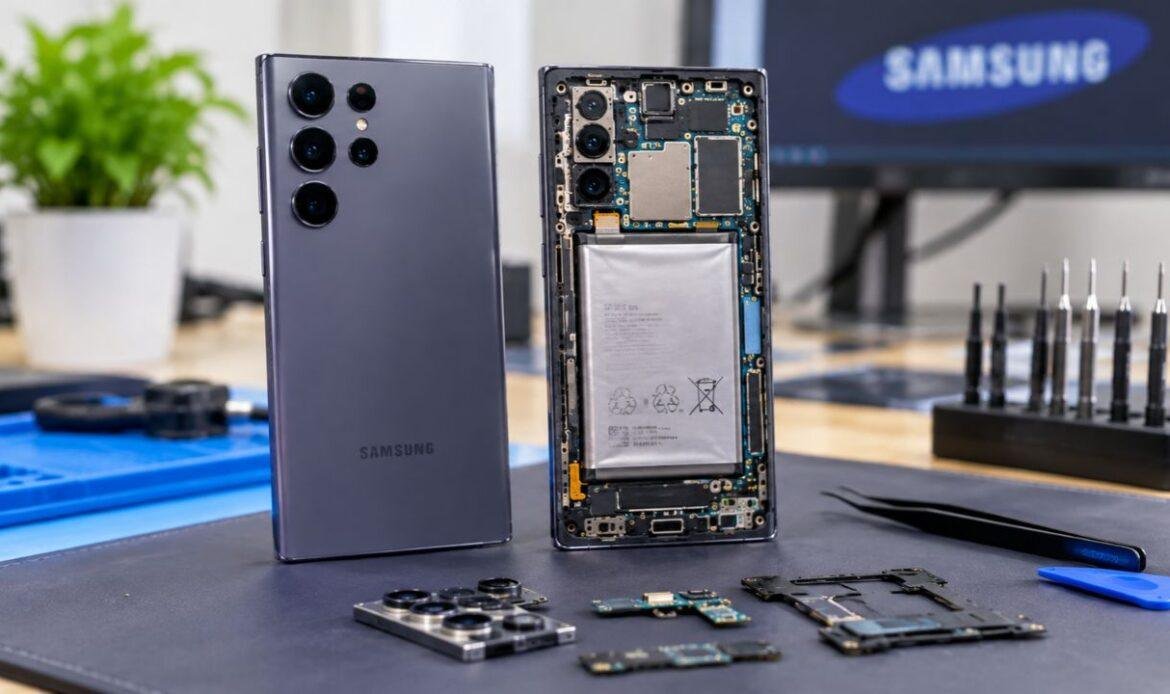
When a Samsung phone breaks, most people assume the whole phone is done. In most cases, it isn’t. Nearly every part inside a Galaxy phone can be repaired or replaced on its own, from the screen and battery to the cameras, speakers and even the main board. When one part fails, the rest of the phone usually keeps working fine. Fixing just that part often costs far less than a new phone, and you keep your apps, photos and settings as they were.
Below, we go through each part one by one. You’ll see what usually goes wrong, how to spot the problem, and what a typical Samsung phone repair involves for that part.
Screen
The screen is the part that breaks most often. On a Galaxy phone, the glass, the touch layer and the AMOLED display are bonded together into one piece. So even a small crack in the glass usually means the whole display has to be replaced, not just the top layer.
A proper phone screen replacement puts in a new panel so touch, colour and brightness work the way they did before. On many Galaxy S models, the new screen comes already fitted to a metal frame, which is why screen repairs on these phones cost more than people expect.
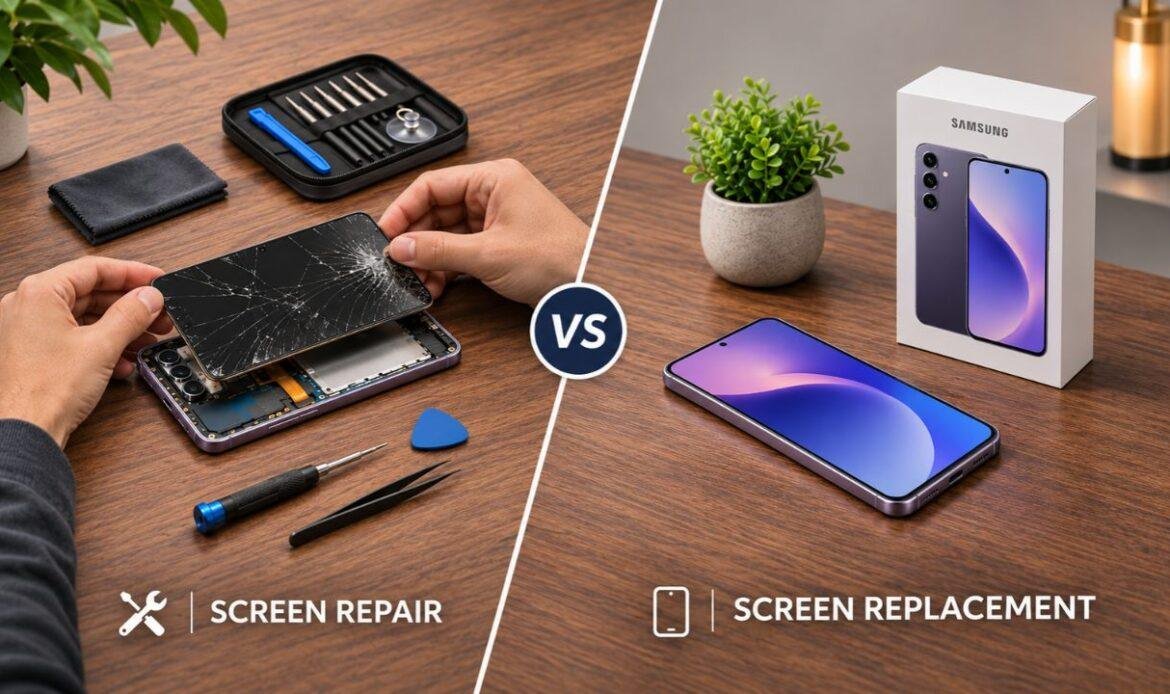
You don’t always need a full swap right away, though. Our guide on screen repair versus replacement explains which signs point to which fix. Watch for cracks, green or pink lines, black ink-like spots, flickering, or parts of the screen that stop responding to touch.
Battery
Every phone battery wears out. After two or three years of charging every day, most Galaxy batteries hold a lot less power than when they were new. The phone may die by mid-afternoon, shut off at 20% or get warm when you’re barely using it.
A Samsung battery replacement is one of the best-value repairs you can get. It costs far less than a new phone, and an older Galaxy often feels close to new again once the battery is swapped.
One sign you should never ignore is swelling. If the screen or back glass starts lifting away from the frame, stop charging the phone and get it checked straight away. You can read more about the warning signs of a weak battery in our separate guide.
Charging Port
The USB-C port gets plugged and unplugged thousands of times, and lint from your pocket slowly builds up inside it. Over time, the cable feels loose, charging only works at a certain angle, or the phone keeps showing a “moisture detected” alert.
On many Galaxy models, the port sits on a small board that also holds the main microphone. That’s why a phone with a bad port sometimes has call problems too, and why one repair can fix both.
A good technician tests the port, the cable and the board before replacing anything. This matters, because a new port won’t help if the charging chip on the main board is the real problem. Professional charging port repair starts with that check.
Back Glass
Most Galaxy S and Z phones have glass on the back as well as the front. A drop on a hard floor can crack the back even when the screen survives. It’s more than a looks issue: broken glass has sharp edges, and the cracks let dust and moisture into the phone.
Back glass repair removes the broken panel, cleans off the old glue and fits a new back with fresh seals. Many Galaxy A phones have a plastic back instead, which is usually cheaper to replace.
Front and Rear Cameras
Most Galaxy phones have two to four cameras on the back and one on the front. Each camera is a separate part, so a technician only needs to replace the one that has failed. Quite often, the camera itself is fine and only the small glass cover over the lens is cracked. That is a smaller and cheaper fix.
If your photos look hazy, the camera shakes or clicks, or the camera app opens to a black screen, camera repair can bring back clear photos without replacing the phone.
Speakers and Microphones
A Galaxy phone has a loudspeaker at the bottom, an earpiece speaker at the top, and two or three small microphones. Water, dust and drops can damage any of them, and each one can be replaced on its own.
Before booking speaker and microphone repair, try one simple check: restart the phone and make a call on the speaker. If the sound is still muffled, crackly or missing, the problem is with the hardware, not a software glitch.
Fingerprint Sensor
Most Galaxy S phones read your fingerprint through the screen. Many Galaxy A phones do the same, while some older and budget models put the sensor in the power button.
Because the in-screen sensor works through the display, it’s closely tied to the screen. After a screen replacement, you’ll need to add your fingerprints again, which is normal. If the sensor still won’t work, the replacement screen may be low quality. Cheaper screens are one of the most common reasons a fingerprint reader stops working, so it’s worth asking what kind of screen is being used before the repair.
SIM Tray, Antennas and Signal Parts
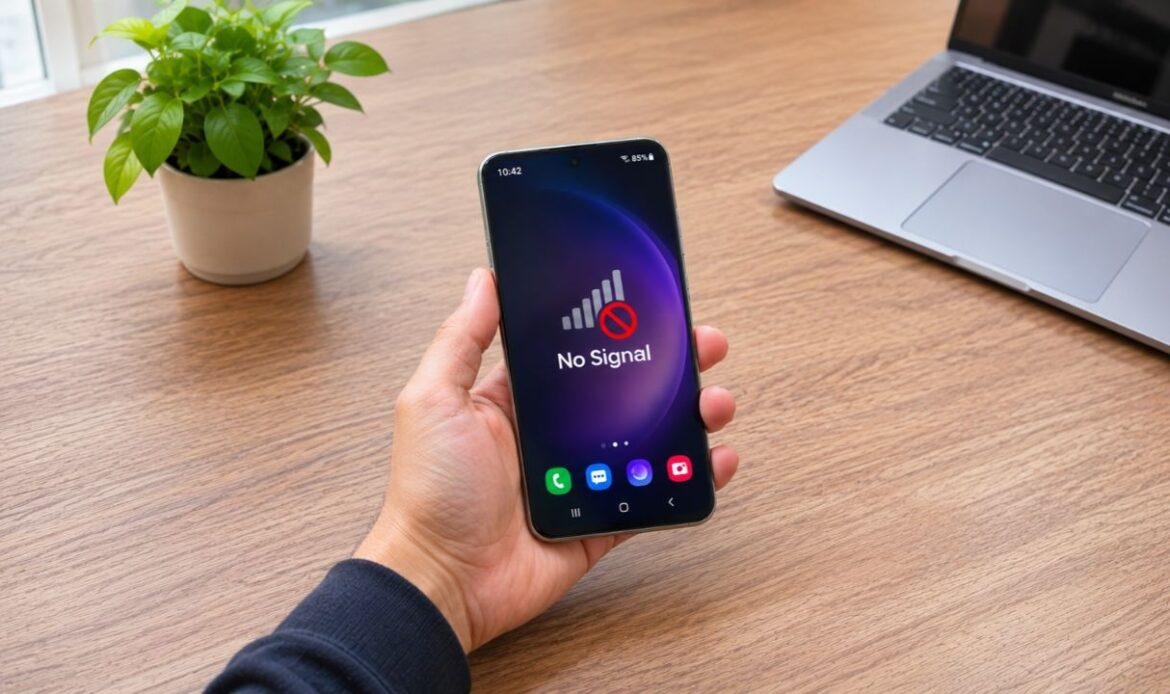
A bent SIM tray, a damaged SIM reader or a broken antenna can all cause signal problems, and all of them can be repaired. But weak signals aren’t always a hardware fault. Carrier problems, network settings and eSIM issues can look exactly the same. Our article on the causes of Samsung signal loss helps you rule those out first.
Buttons, Vibration Motor and Small Sensors
The power and volume buttons press on a thin cable inside the phone. After years of use or a hard drop, they can feel stuck or soft, or stop working. The fix is a new button cable.
Other small parts fail too. The vibration motor can stop after a drop. The proximity sensor near the top of the screen can stop turning the display off during calls, so your cheek ends up pressing buttons. The wireless charging coil and the NFC part used for tap-to-pay sit under the back glass and can get damaged when the glass breaks. Each of these can be replaced.
Main Board
The main board is the heart of the phone. It holds the processor, memory, storage and charging circuits. Samsung only replaces full main boards through its own authorized service centres, and a new board is one of the most expensive parts in the phone.
Skilled independent technicians often take another route. Using a microscope and microsoldering tools, they find the one chip or circuit that has failed and repair just that. It takes longer than a screen or battery job, but motherboard repair is often the only way to bring back a phone that won’t turn on, especially when the photos and files on it matter.
Water-Damaged Parts
Samsung’s water resistance rating gets weaker as a phone ages and the seals wear out. When water gets inside, it can damage several parts at once, including the screen, the charging port, the speakers and the main board. The faster the phone is checked, the better the chances, because corrosion keeps spreading even after the phone looks dry.
If your phone gets wet, turn it off and don’t charge it. Skip the bag of rice, as it does nothing for the corrosion inside. Water damage repair involves opening the phone, cleaning the board and testing each part the water reached.
Software and Stored Data
Some problems aren’t about broken parts at all. A phone stuck on the Samsung logo, apps that keep crashing, a failed update or random restarts can often be fixed by repairing or reinstalling the system software.
If the phone won’t start and you have photos or files with no backup, data recovery may still be possible, as long as the storage chip itself hasn’t failed.
Foldable Screens and Hinges
The Galaxy Z Fold and Z Flip have parts other phones don’t: a large inner screen that folds, a small outer cover screen, and a hinge. All three can be replaced.
The folding inner screen is the most delicate part on any Galaxy phone. A line or dark strip along the fold, or a peeling screen protector, usually means the inner display needs replacing. If the hinge feels stiff, loose or makes a grinding sound, the hinge parts can be swapped as well.
S Pen
On Galaxy Ultra phones and older Note models, a lost or damaged S Pen is simply replaced, and a worn tip can be changed in seconds. If a new S Pen still doesn’t work in some spots, the problem is usually the screen’s pen layer, which gets fixed as part of a screen replacement.
What Can’t Be Repaired on a Samsung Phone?
Almost everything can be fixed, but there are a few limits worth knowing before you pay for a repair:
- Original water resistance. A technician can fit new seals and glue, but nobody can promise the phone will be as waterproof as it was from the factory. Samsung says the same in its own service manuals.
- Failed processor or storage chips. These are fixed deep into the main board. When they fail, the board usually can’t be saved, and data on a dead storage chip may be lost for good.
- The Samsung Knox warranty flag. Once a phone’s software has been changed in certain ways, this flag is set permanently. No repair can reset it.
- Blacklisted phones. If a phone has been reported lost or stolen, the carrier blocks it, and no repair can change that.
There’s also the question of cost. On an older or budget Galaxy phone, a new screen can cost almost as much as a newer phone. In that case, replacing the phone may make more sense than repairing it.
Conclusion
A broken Samsung phone rarely means the end of the phone. The screen, battery, charging port, back glass, cameras, speakers, buttons, sensors and even the main board can all be repaired. Foldables add the inner screen and hinge to that list, and many software problems can be fixed without any new parts.
The smart move is to get the phone checked and ask for a clear quote before deciding to replace it. If you’d like a trained technician to look at your Galaxy, the team at iFix Technology can test it and explain your options.
Frequently Asked Questions
1. Can a Samsung screen be fixed without replacing the whole display?
On most Galaxy phones, no. The glass, touch layer and display are bonded together, so a cracked screen needs a full display replacement. Glass-only repairs exist for some models, but they need special equipment and only some shops offer them.
2. Is it worth replacing the battery in a Samsung phone?
Usually, yes. A new battery costs much less than a new phone and can give you a full day of use again. It’s one of the best repairs for a Galaxy phone that’s two to four years old.
3. Can a water-damaged Samsung phone be fixed?
Often, yes, if it’s checked quickly. The longer water stays inside, the more damage it does. Turn the phone off, don’t charge it, and get it looked at as soon as you can.
4. Will my fingerprint sensor work after a screen replacement?
It should, as long as a good-quality screen is used. You’ll need to add your fingerprints again after the repair. If the sensor still fails, a better screen usually solves it.
5. How long does a Samsung phone repair take?
Screen, battery, charging port, back glass and camera repairs are usually done the same day. Main board repairs, water damage and foldable inner screens can take longer, depending on the problem and part availability. For more on costs, warranty and repair rights, see our Samsung phone repair guide.